WhatsApp Scams in Nigeria: What You Need to Know
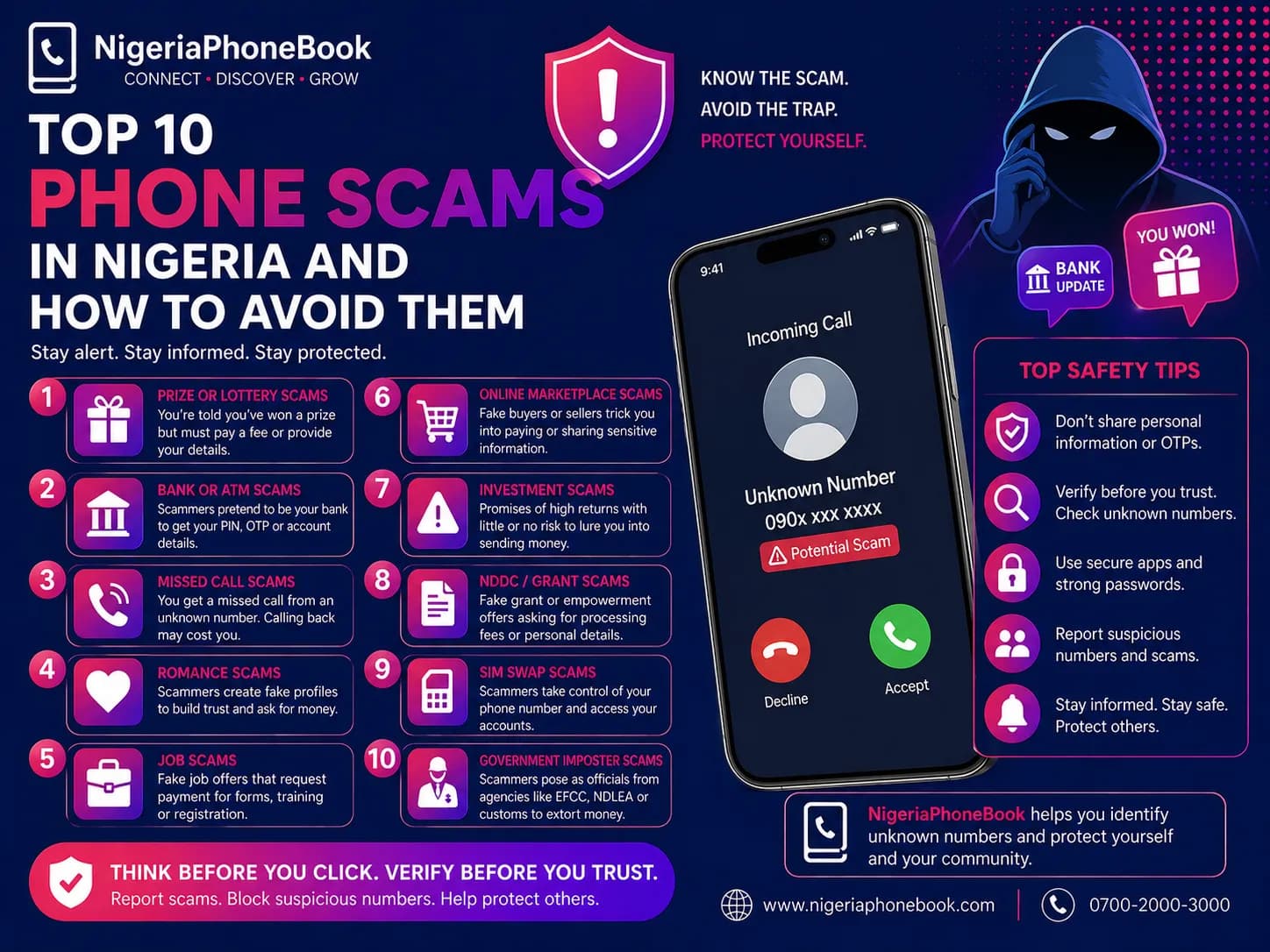
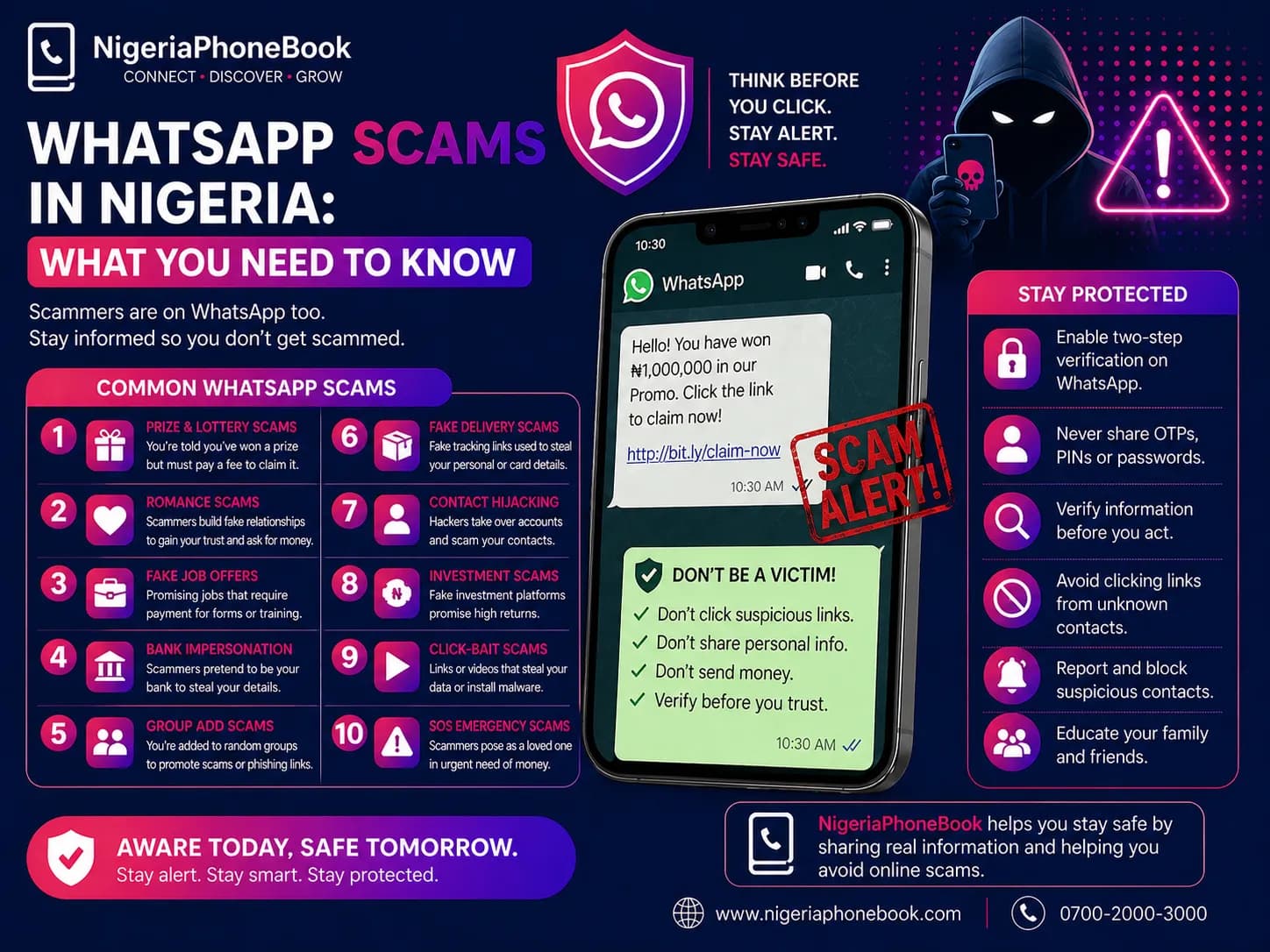
With over 90 million WhatsApp users in Nigeria, it's no wonder scammers have made it their favorite hunting ground. Here are the most common WhatsApp scams and how to avoid them.
1. The "Family Emergency" Scam
You receive a message from an unknown number: "Hi Mummy, this is my new number. My phone was stolen." The scammer then asks for urgent money transfer.
How to avoid: Always call the old number first. Ask a question only your real relative would know.
2. WhatsApp Account Takeover
You receive a 6-digit verification code from WhatsApp. Then someone messages claiming they "accidentally" sent it to you and asks you to forward it.
What's really happening: They're trying to hijack your account. That code is YOUR WhatsApp verification code.
How to avoid: Never share any 6-digit code you receive unexpectedly. Enable Two-Step Verification in WhatsApp settings.
3. Fake Investment Groups
You're added to a group promising massive returns on "crypto trading" or "forex signals." Admin posts fake success stories with screenshots.
How to avoid: Legitimate investments are regulated. If it promises 20% weekly returns, it's a scam.
4. Job Offer Scams
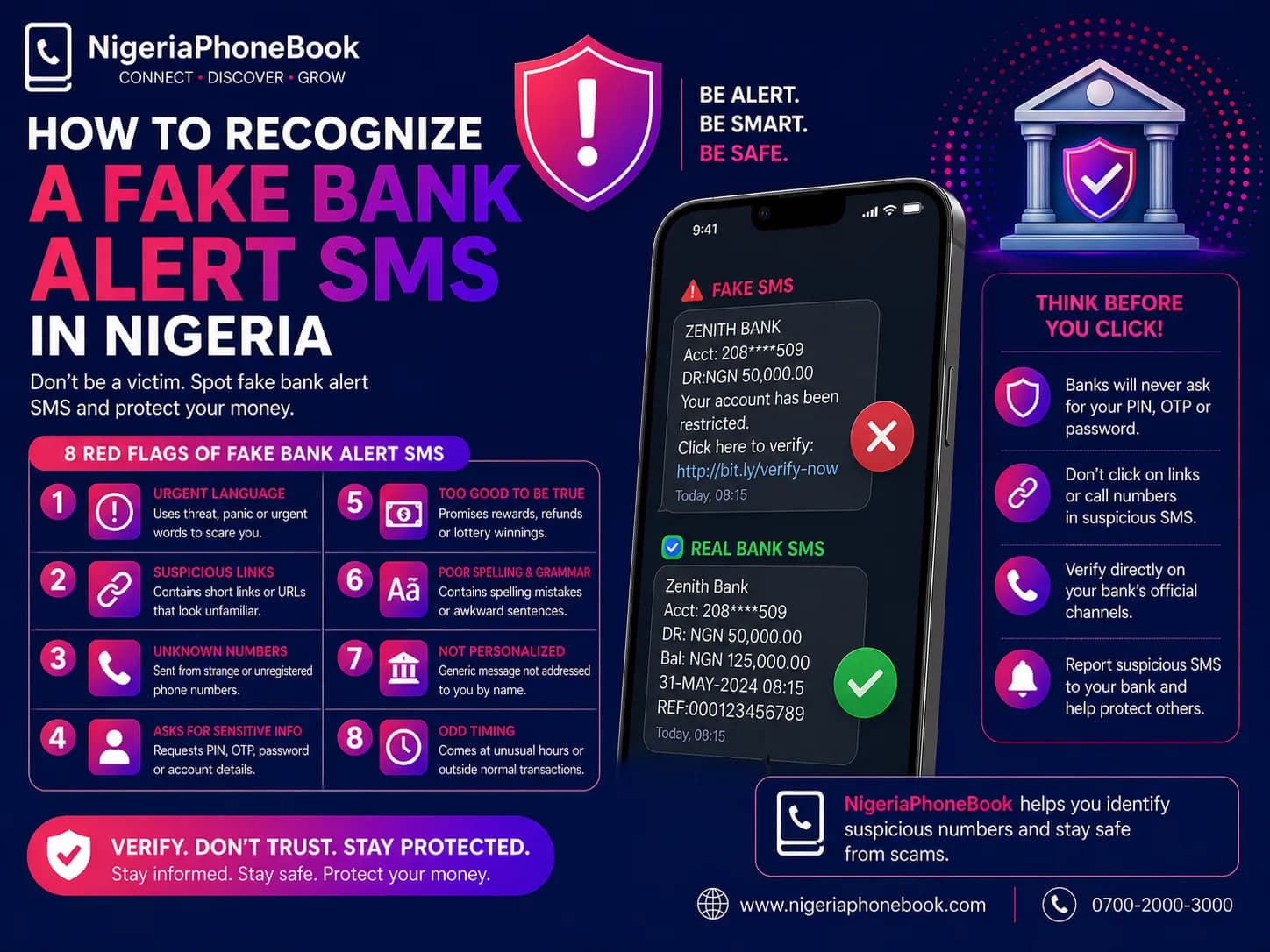
A message offers you a work-from-home job paying ₦50,000/day. They ask for a "registration fee" or "training payment."
How to avoid: Real employers don't charge candidates. Always verify the company independently.
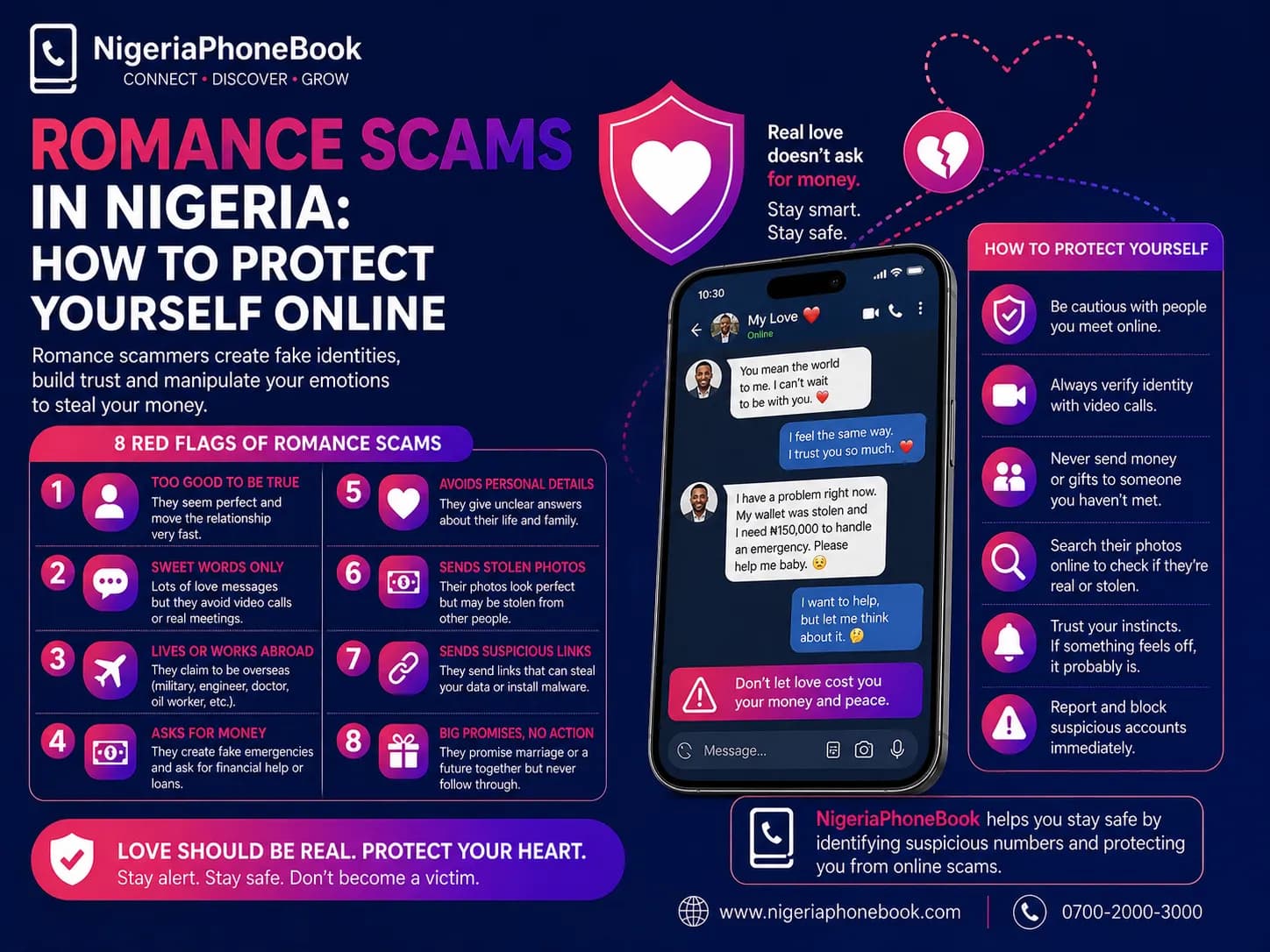
5. Romance Scams via WhatsApp
A stranger adds you, often with an attractive photo. They build rapport over weeks, then ask for money.
How to avoid: Never send money to someone you met online. Reverse-search their photos.
6. Fake Vendor / Online Shopping Scams
"Sellers" post attractive deals in groups, ask for payment upfront, and disappear.
How to avoid: Use escrow services. Meet in person when possible. Check seller reviews and NigeriaPhoneBook reports.
7. The QR Code Scam
You receive a QR code promising a prize, discount, or event registration. Scanning it leads to a phishing site.
How to avoid: Don't scan QR codes from strangers. Verify the destination URL before scanning.
How to Secure Your WhatsApp
Enable Two-Step Verification
- Open WhatsApp Settings
- Tap Account → Two-Step Verification
- Tap Enable
- Create a 6-digit PIN
- Add a recovery email
This prevents anyone from taking over your account even if they get your SMS code.
Control Who Sees Your Info
- Set profile photo, status, and last seen to "My Contacts"
- Disable "Read Receipts" if privacy matters to you
- Review group privacy settings regularly
Report and Block
- Tap the contact or message → Report
- Then Block
- Report the number on NigeriaPhoneBook to warn others
Don't Be a Victim
Scammers succeed because they create urgency and emotion. Slow down. Verify. When in doubt, pick up the phone and call someone you trust. A 2-minute phone call can save you millions.
Written by
NigeriaPhoneBook Team
Contributor at NigeriaPhoneBook. Writing about scam awareness, digital safety, and protecting consumers from fraud.