How to Unlock and View Full Contact Details
By default, NigeriaPhoneBook shows contact information in a masked format to protect privacy. To see full details — full name, complete phone number, and location — you need to unlock the contact. Here's how.
Why Are Contacts Masked?
We protect personal data. Showing all 24+ million contacts openly would violate privacy and enable scammers to scrape our database.
Instead:
- Search is free so anyone can verify or check a number
- Basic info is visible (network, state, scam reports) to all
- Full details require a paid subscription ensuring only legitimate users access personal data
Prerequisites to Unlock
- Sign in to your NigeriaPhoneBook account
- Have an active subscription (Regular or Bulk)
- Have available unlock credits in your plan
If you don't have an account yet, sign up free.
Step-by-Step: Unlocking a Contact
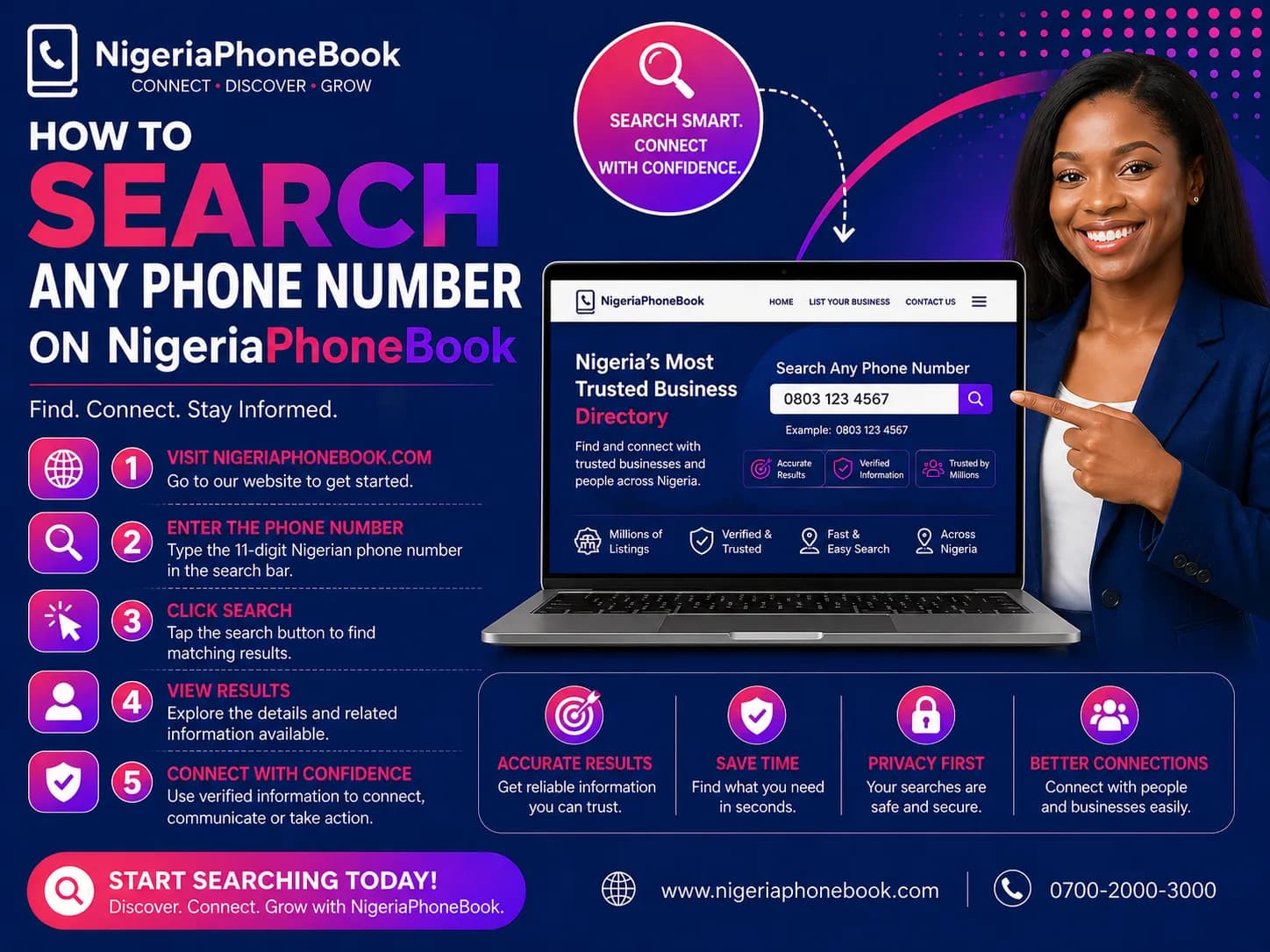
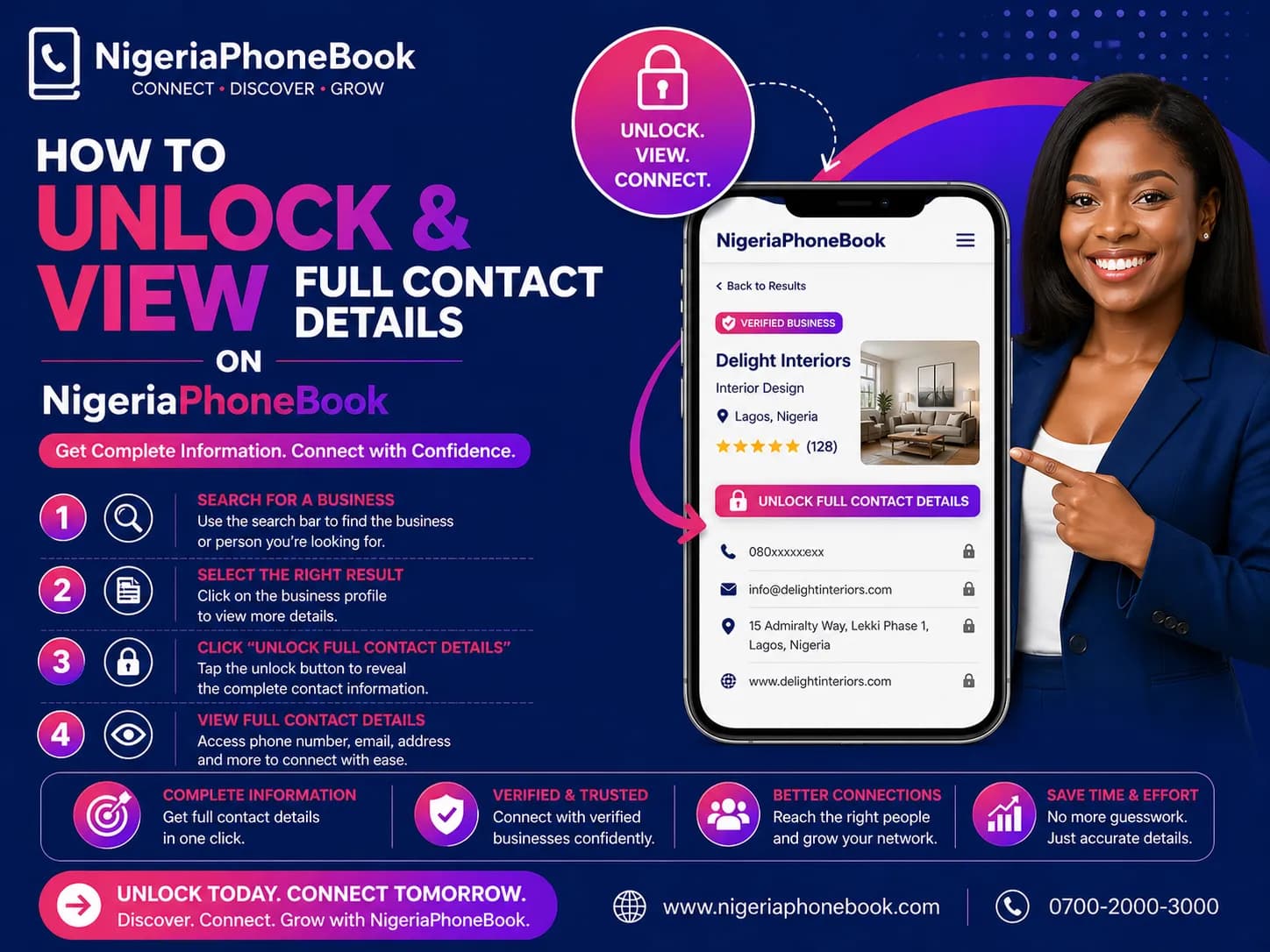
Step 1: Search for the Contact
Enter a phone number or name in the search bar. Review the masked results to find the contact you want.
Step 2: Click "Unlock Full Details"
On the contact card, click the Unlock button. If you're not logged in or don't have a subscription, you'll be prompted to sign up or upgrade.
Step 3: Confirm the Unlock
A confirmation dialog appears showing:
- The masked contact info
- Your remaining credits
- The cost (1 credit per unlock)
Click Confirm to proceed.
Step 4: View Full Details
The unlock dialog instantly shows:
- Full name
- Complete phone number
- State and LGA
- Gender (when available)
- Network operator
You can now:
- Copy the phone number
- Save the contact to your device
- View number details page for scam reports
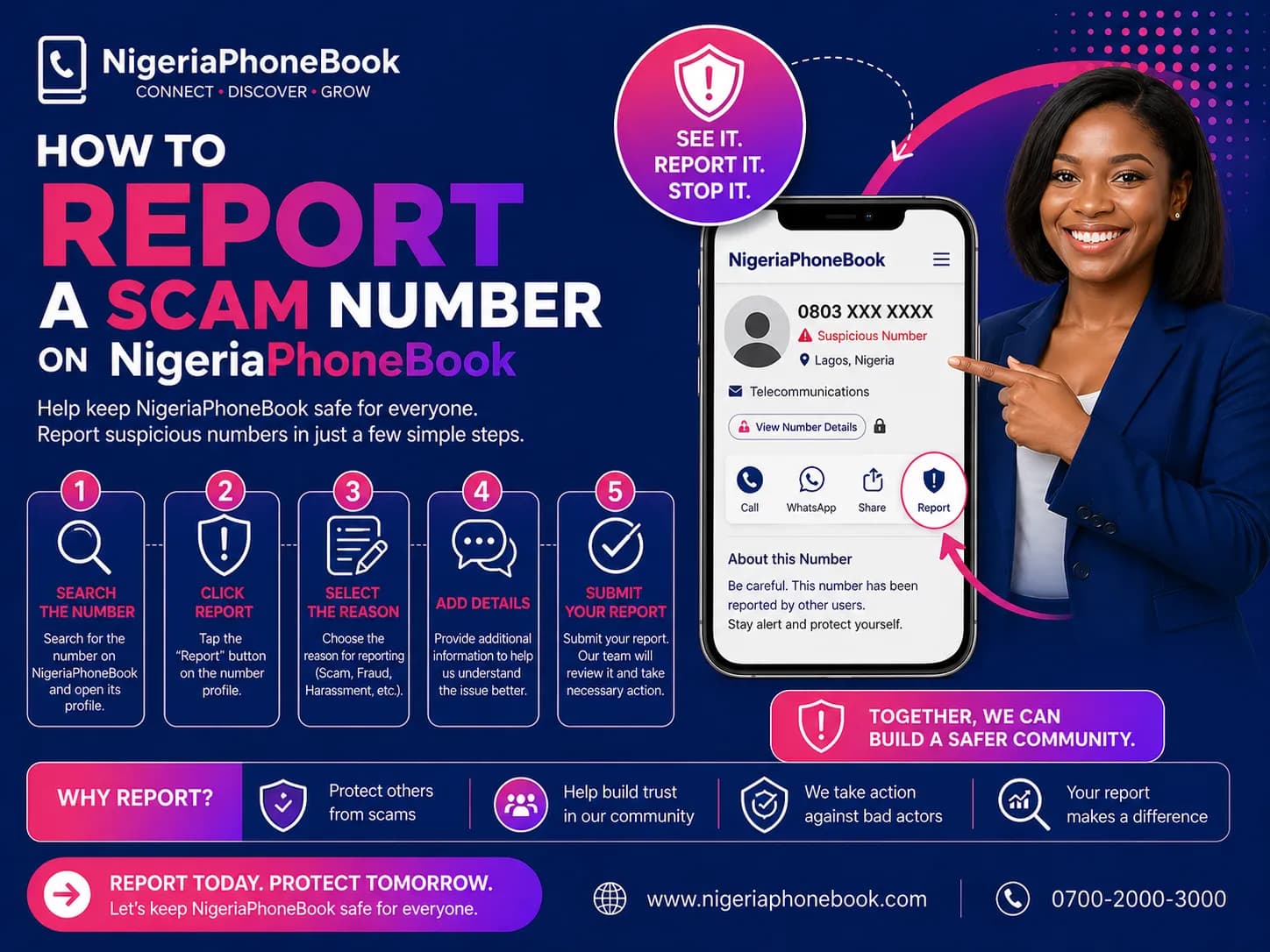
- Report the number if suspicious
After Unlocking
Automatic Saving
Unlocked contacts are automatically saved to your account. You can access them anytime at My Account → My Contacts.
No Re-charging
If you unlock the same contact again later, you're not charged again. We remember your previous unlocks.
Expiration
Some plans have unlock expiration (e.g., 90 days). Permanent unlocks are available on higher plans. Check your plan details for specifics.
My Unlocked Contacts Page
Visit My Account → My Unlocked Contacts to see:
- All your unlocked contacts
- Search and filter by name, phone, state
- Export to CSV for external use
- Expiration dates (if applicable)
- Unlock dates for reference
Exporting Contacts
You can export your unlocked contacts as a CSV file:
- Go to My Account → My Contacts
- Click Export CSV
- Open the file in Excel, Google Sheets, or your CRM
This is useful for:
- Importing to address books
- Business contact management
- Creating marketing lists (for consented contacts only)
- Data analysis
Limits and Quotas
Each plan has different limits:
| Plan | Monthly Unlocks |
|---|---|
| Free | 0 |
| Regular | 20-100 (plan-dependent) |
| Bulk | 500+ |
If you run out, you can:
- Wait for next month's renewal
- Upgrade to a higher plan
- Purchase additional credits
Troubleshooting
"Insufficient Credits" Error
You've used all your unlocks for the period. Wait for renewal or upgrade.
"Subscription Expired" Error
Renew your subscription from My Account → Subscription.
"Contact Not Found" Error
The phone number may not exist in our database. Only contacts in our directory can be unlocked.
Unlock Button Not Showing
Make sure you're logged in. Sign in from the top-right menu.
Responsible Use Policy
When you unlock a contact, you agree to use the information responsibly:
- Don't spam contacts with unsolicited marketing
- Don't harass or stalk individuals
- Don't sell contact lists to third parties
- Don't violate privacy laws (NDPR, GDPR)
Misuse of unlocked data can result in account suspension and legal action.
Privacy Matters
We take privacy seriously. All searches are logged, and abusive patterns are investigated. Our database exists to protect Nigerians, not to enable harm.
Ready to Unlock?
Questions? Contact support.
Written by
NigeriaPhoneBook Team
Contributor at NigeriaPhoneBook. Writing about scam awareness, digital safety, and protecting consumers from fraud.