How to Search Any Phone Number on NigeriaPhoneBook
NigeriaPhoneBook is Nigeria's most trusted phone number directory, with over 24 million contacts and thousands of community-reported scam numbers. Here's how to use it effectively.
Getting Started
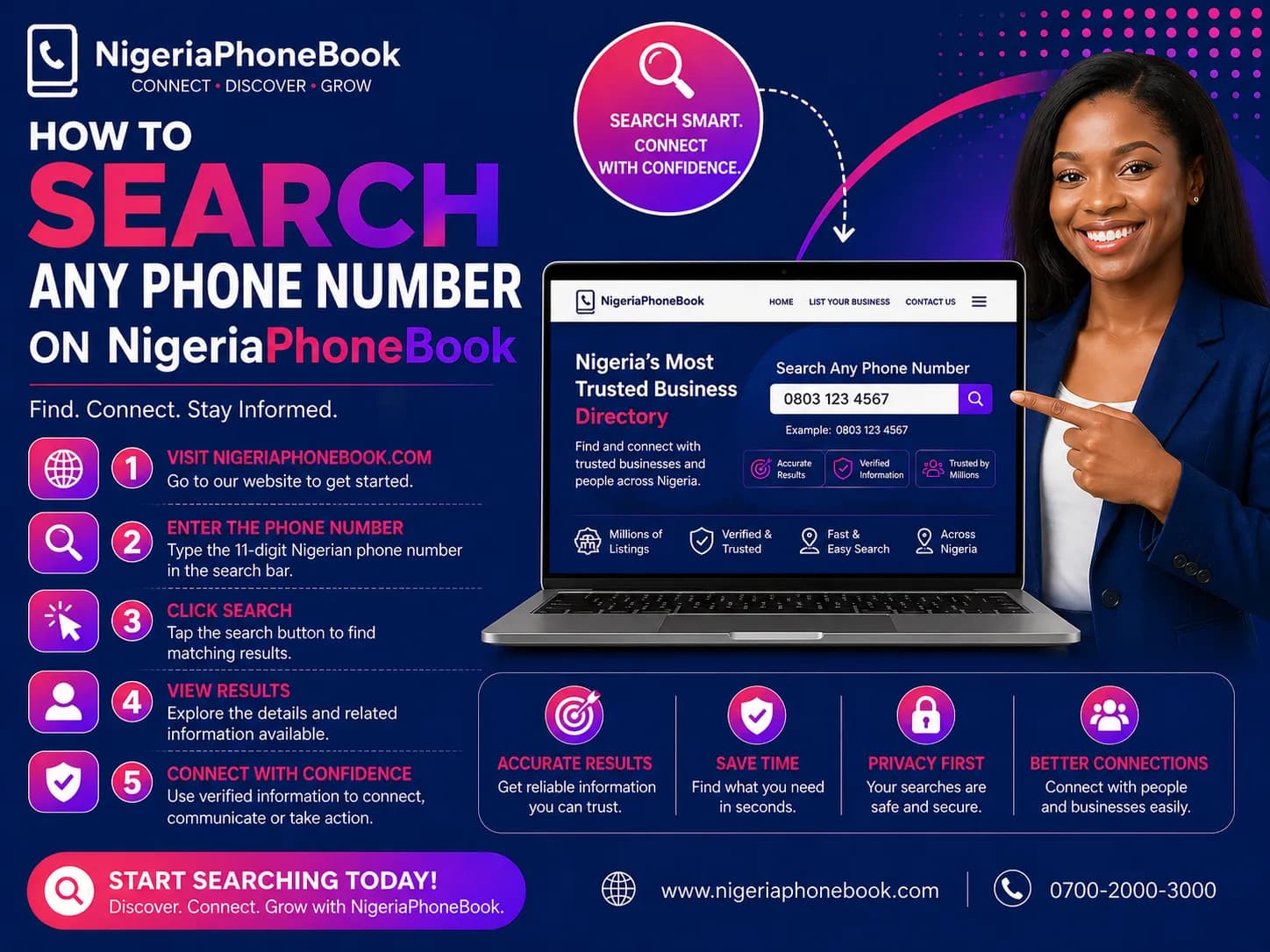
Visit nigeriaphonebook.com and you'll see the search bar on the homepage. It's free to use — no sign-up required for basic searches.
Searching by Phone Number
- Enter any Nigerian phone number (e.g., 08012345678)
- Click Search or press Enter
- Results appear instantly
You'll see:
- Masked name (e.g., Rt An)
- Masked phone (e.g., 0805-XXX-1234)
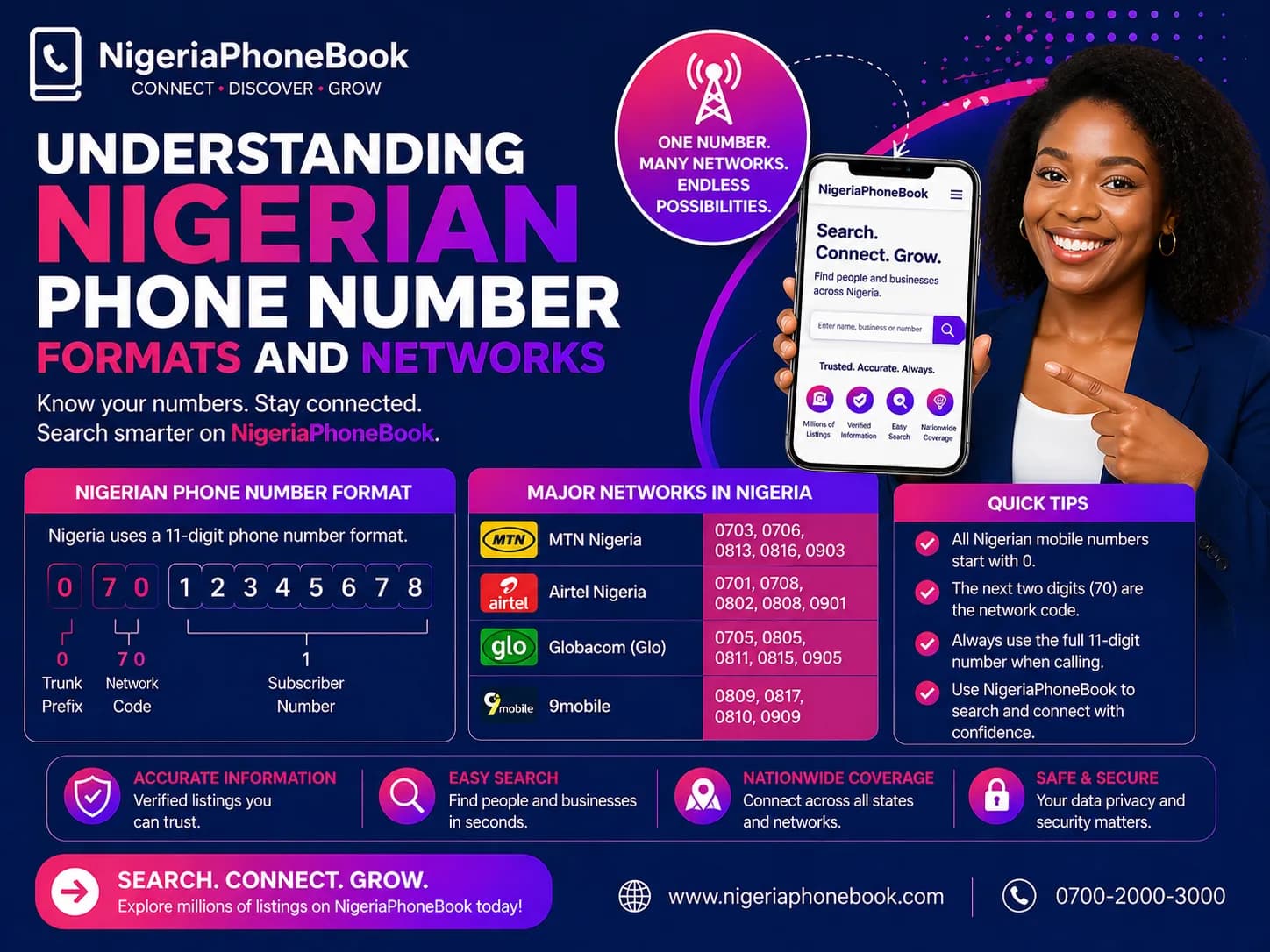
- Network operator (MTN, GLO, Airtel, 9Mobile)
- State and LGA (when available)
- Scam report count (if any)
Viewing Full Details
To see unmasked contact details, you need to:
- Sign up for a free account
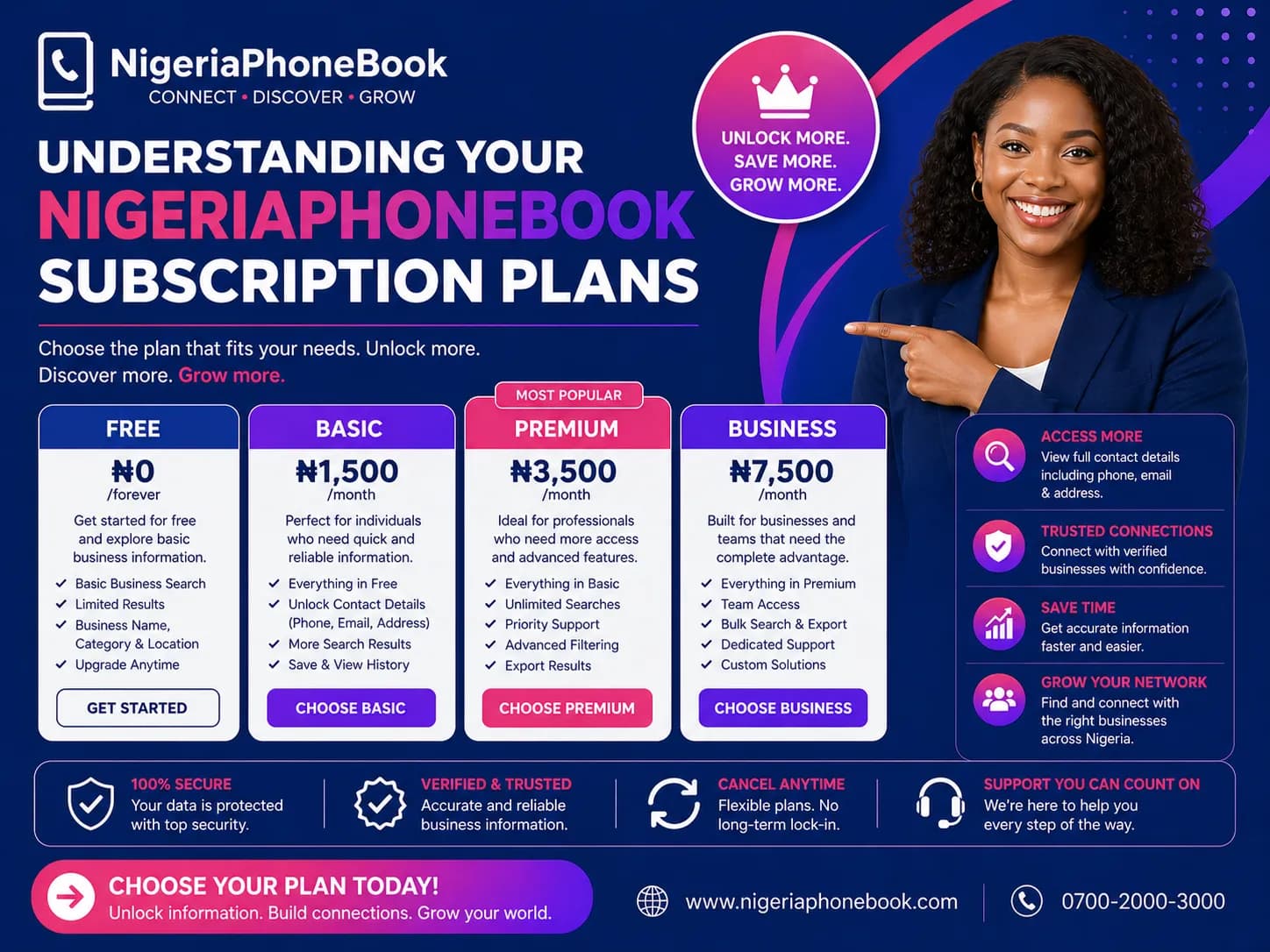
- Choose a subscription plan (Regular or Bulk)
- Unlock contacts as needed
Your credits are stored in your account and can be used anytime.
Understanding Reputation Scores
Every phone number has a reputation based on community reports:
- Safe (Green) — No reports, or verified business listing
- Neutral (Gray) — No information available
- Suspicious (Yellow) — 1-2 reports
- Dangerous (Red) — 3+ scam reports
Click any number to see the full reputation breakdown, including:
- Report categories (fraud, impersonation, spam, etc.)
- Report descriptions
- Date of reports
- Community comments
Searching by Name
You can also search by first or last name:
- Click Search by Name
- Enter the name
- Filter by state (optional)
- Browse matching contacts
Browsing by Location
Want to find contacts in a specific state?
- Go to Browse by State
- Pick a state (Lagos, Abuja, Kano, etc.)
- Filter by LGA if needed
Reporting a Scam Number
If you've been targeted by a scammer:
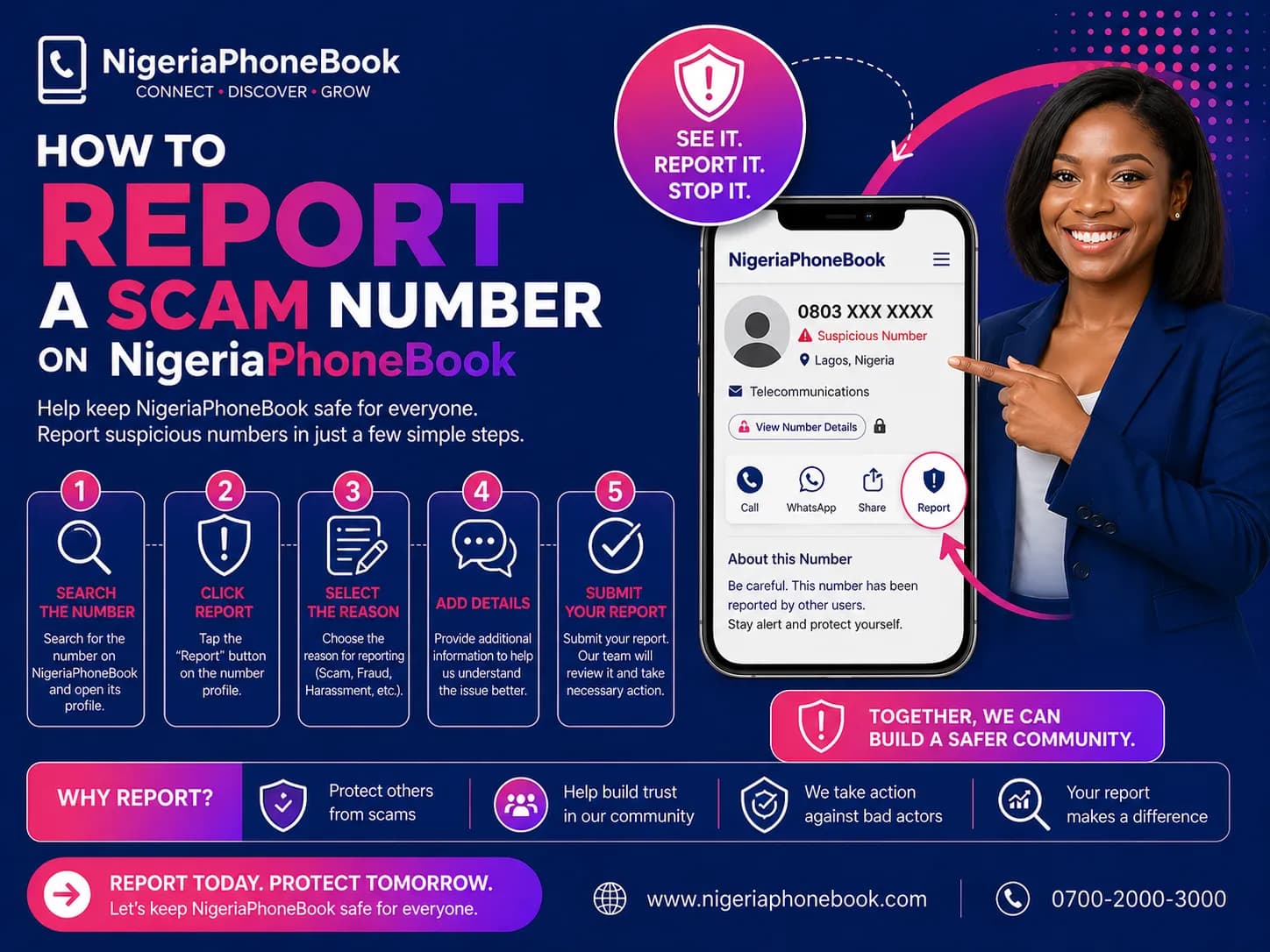
- Search for the number
- Click Report Scam
- Choose a category (Financial Fraud, Impersonation, etc.)
- Describe what happened
- Upload evidence (screenshots, recordings)
- Submit
Your report helps protect others.
Pro Tips
- Save unlocked contacts to your account for quick access later
- Use the browser extension (coming soon) for automatic caller ID
- Enable notifications to get alerts about new scam reports in your area
- Share reports on social media to warn friends
Happy searching — and stay safe out there.
Written by
NigeriaPhoneBook Team
Contributor at NigeriaPhoneBook. Writing about scam awareness, digital safety, and protecting consumers from fraud.