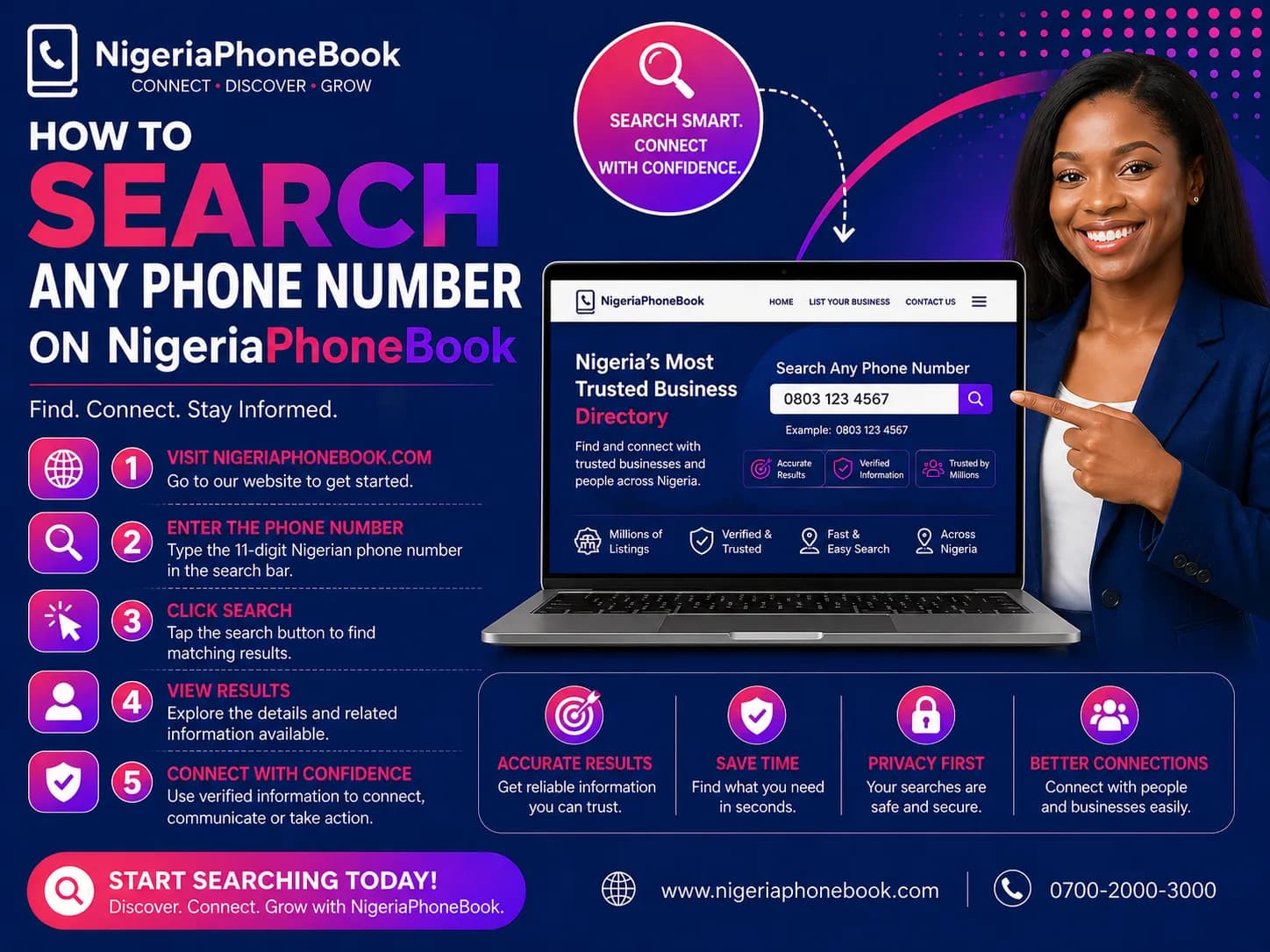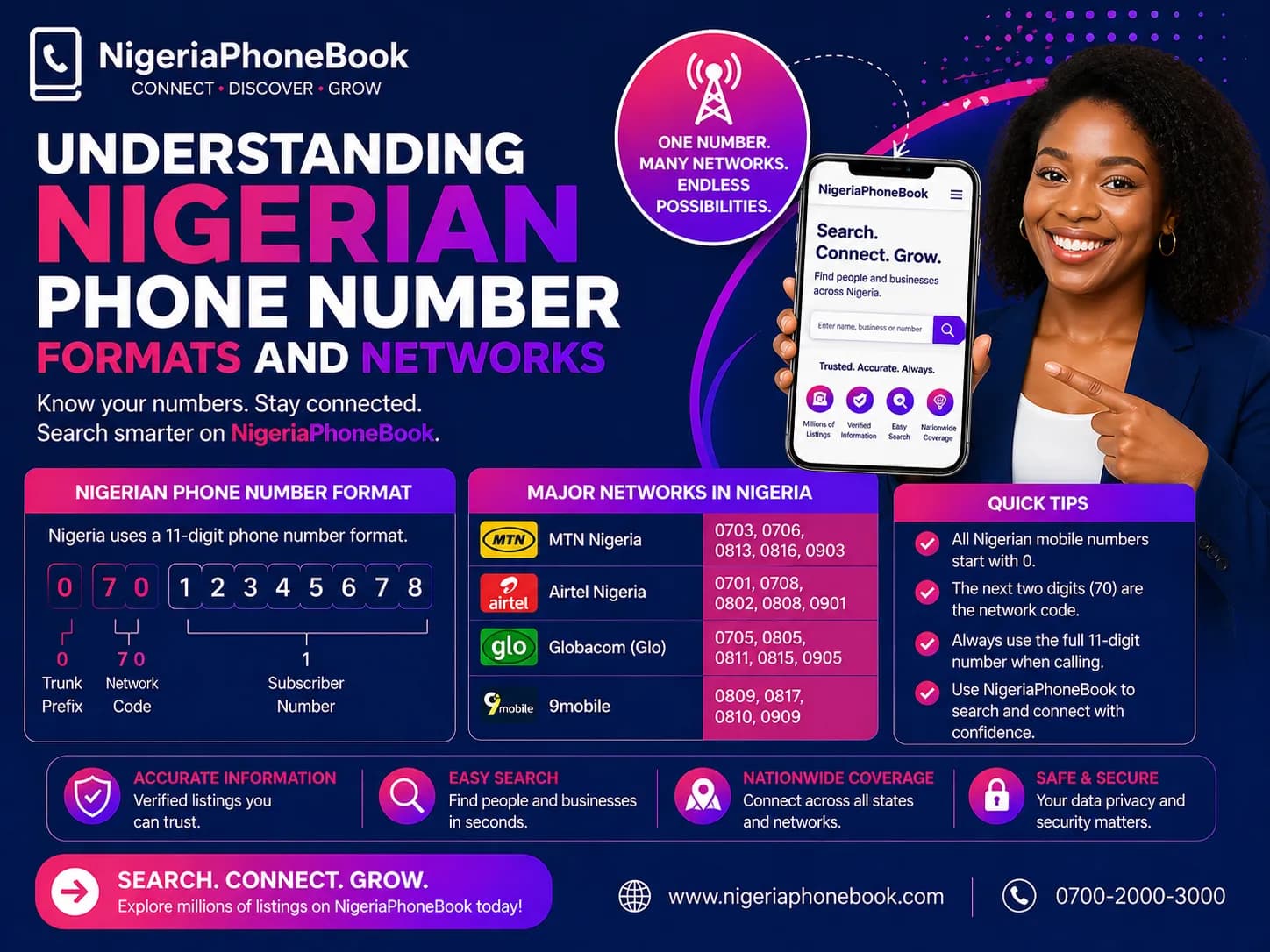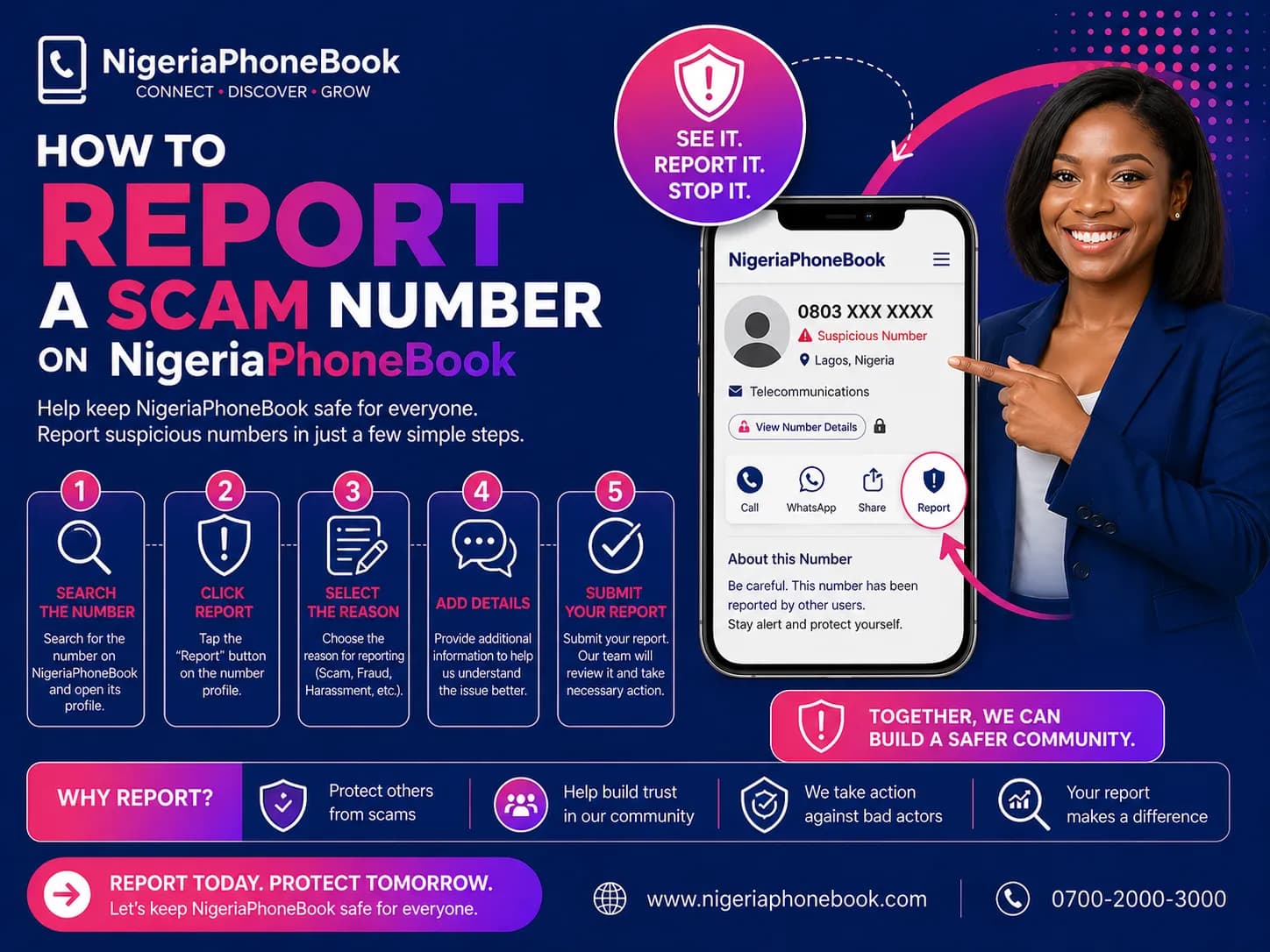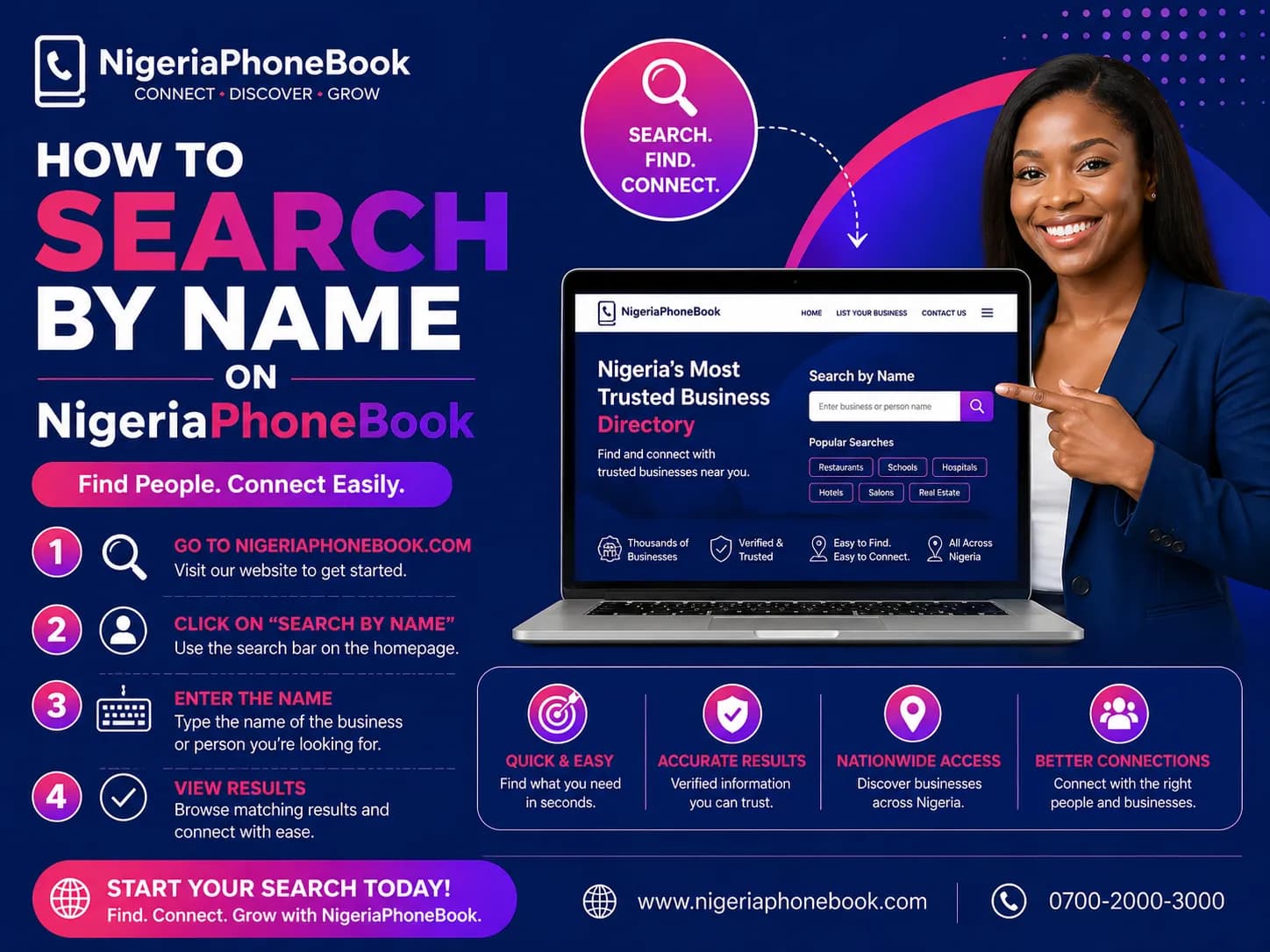
How to Search by Name on NigeriaPhoneBook
Sometimes you know a person's name but not their phone number. NigeriaPhoneBook's name search lets you find contacts by first name, last name, or both. Here's how to get the best results.
When to Use Name Search
- Reconnecting with lost friends or relatives
- Verifying a person's identity from partial information
- Background checks before meetings or deals
- Finding contacts when you only have a business card with a name
- Locating a specific individual in a city or state
Step-by-Step: Searching by Name
Step 1: Open the Search Page
Click Search by Name in the main navigation or go to nigeriaphonebook.com/search.
Step 2: Choose the "Name" Tab
Toggle from Phone to Name search.
Step 3: Enter the Name
You can search by:
- First name only: "Adebayo"
- Last name only: "Okafor"
- Full name: "Adebayo Okafor"
Minimum 2 characters.
Step 4: Filter by Location (Optional but Recommended)
Name searches can return thousands of results for common names like "Chinedu" or "Aisha". Narrow it down:
- Select a state from the dropdown
- Optionally filter by LGA
This dramatically improves result quality.
Step 5: Browse Results
Results show:
- Masked names and phone numbers
- Network operator
- State and LGA
- Scam report warnings (if any)
- Unlock button
Step 6: Unlock the Right Contact
When you find the person you're looking for, click Unlock to see full details.
Tips for Effective Name Search
1. Use Common Spellings
Nigerian names have multiple spellings. Try variations:
- Chinedu vs Chinedum
- Adebayo vs Adebayoh
- Aisha vs Ayisha
2. Start Broad, Then Narrow
Start with just a first name and state. If you get too many results, add the last name. If still too many, add LGA.
3. Check Multiple Spellings
Our database comes from various sources over many years. Names may be spelled inconsistently.
4. Use Unique Last Names
Common first names (Abdul, John, Mary) return massive results. Start with a distinctive last name if you have one.
5. Combine with Phone Search
If you have partial phone info (e.g., "08033..."), use phone search instead — it's more precise.
Understanding Masked Results
Before unlocking, you see:
- First letter of first name: "A****o"
- First letter of last name: "O****r"
- Masked phone: "0803-XXX-1234"
- State and LGA: visible
- Network: visible
This lets you identify the right person without needing to unlock everyone.
Pagination
Results are paginated with 20 per page. Use the page navigation at the bottom to browse through all matches.
Common Name Search Challenges
"Too Many Results"
- Add more filters (state, LGA)
- Include last name with first name
- Try a less common spelling
"No Results Found"
- Check spelling
- Try alternative spellings
- Remove filters (try without state)
- The person may not be in our database
"Person I Know Isn't Showing"
Not everyone is in our database. We source from various public directories, and coverage varies.
Searching for Specific Groups
Searching for a Business Owner
Try searching the business name first — it might be listed in our business directory.
Searching for a Professional
Some professionals may be listed under their business or office line, not a personal mobile.
Searching for Someone Who Changed Their Number
The database may reflect old numbers. Consider that the person may have a newer unregistered line.
Privacy and Ethics
Use name search responsibly:
- Don't stalk or harass anyone
- Don't contact people with unsolicited marketing
- Respect privacy — just because you can find someone doesn't mean they want to be found
- Don't share unlocked data publicly
- Follow the law — NDPR prohibits misuse of personal data
Better Together with Phone Search
Once you find a name and unlock it, you can copy the phone number and use our phone search or scam check to verify the person further.
Next Steps
Happy searching, and stay respectful.
Written by
NigeriaPhoneBook Team
Contributor at NigeriaPhoneBook. Writing about scam awareness, digital safety, and protecting consumers from fraud.