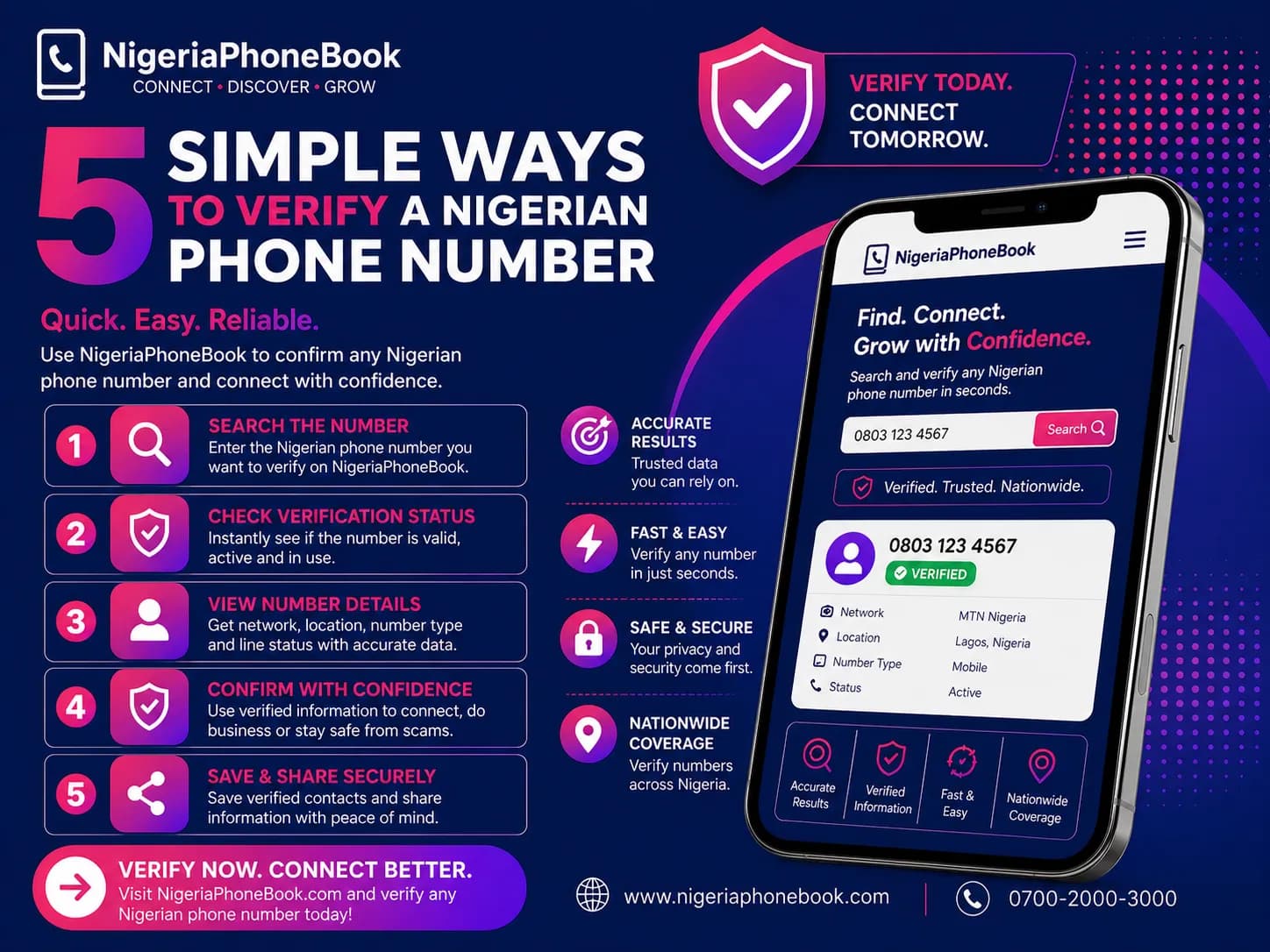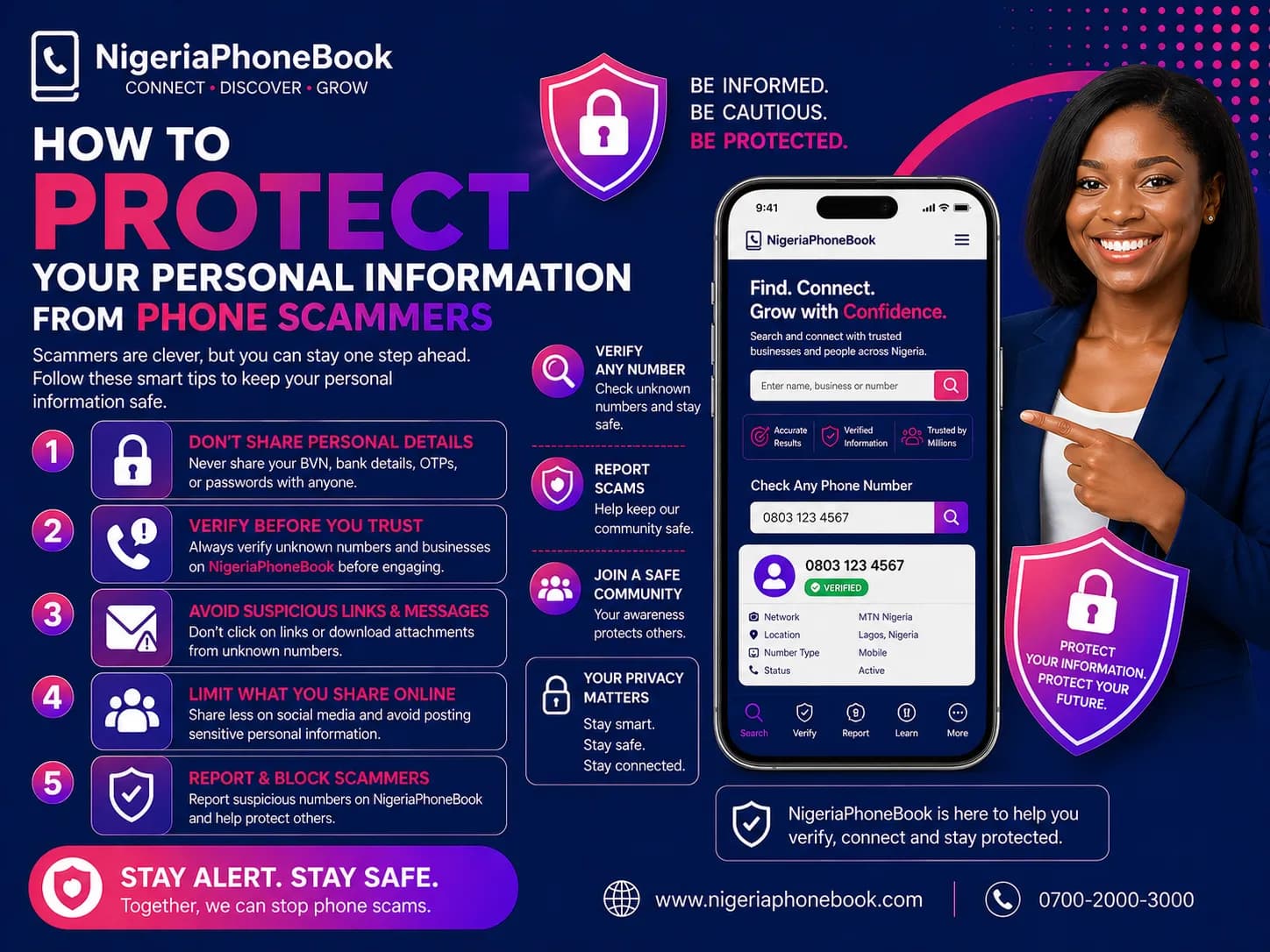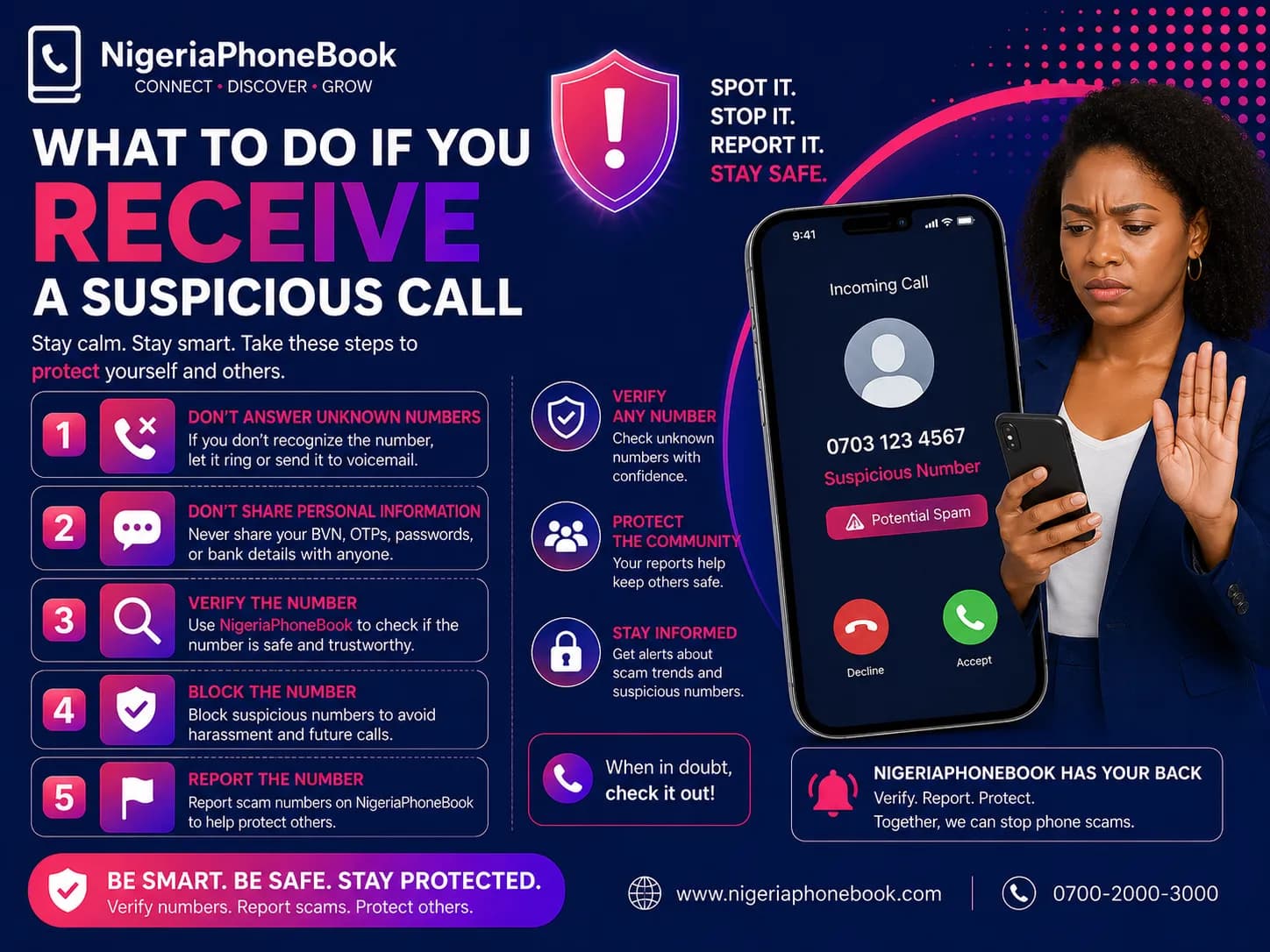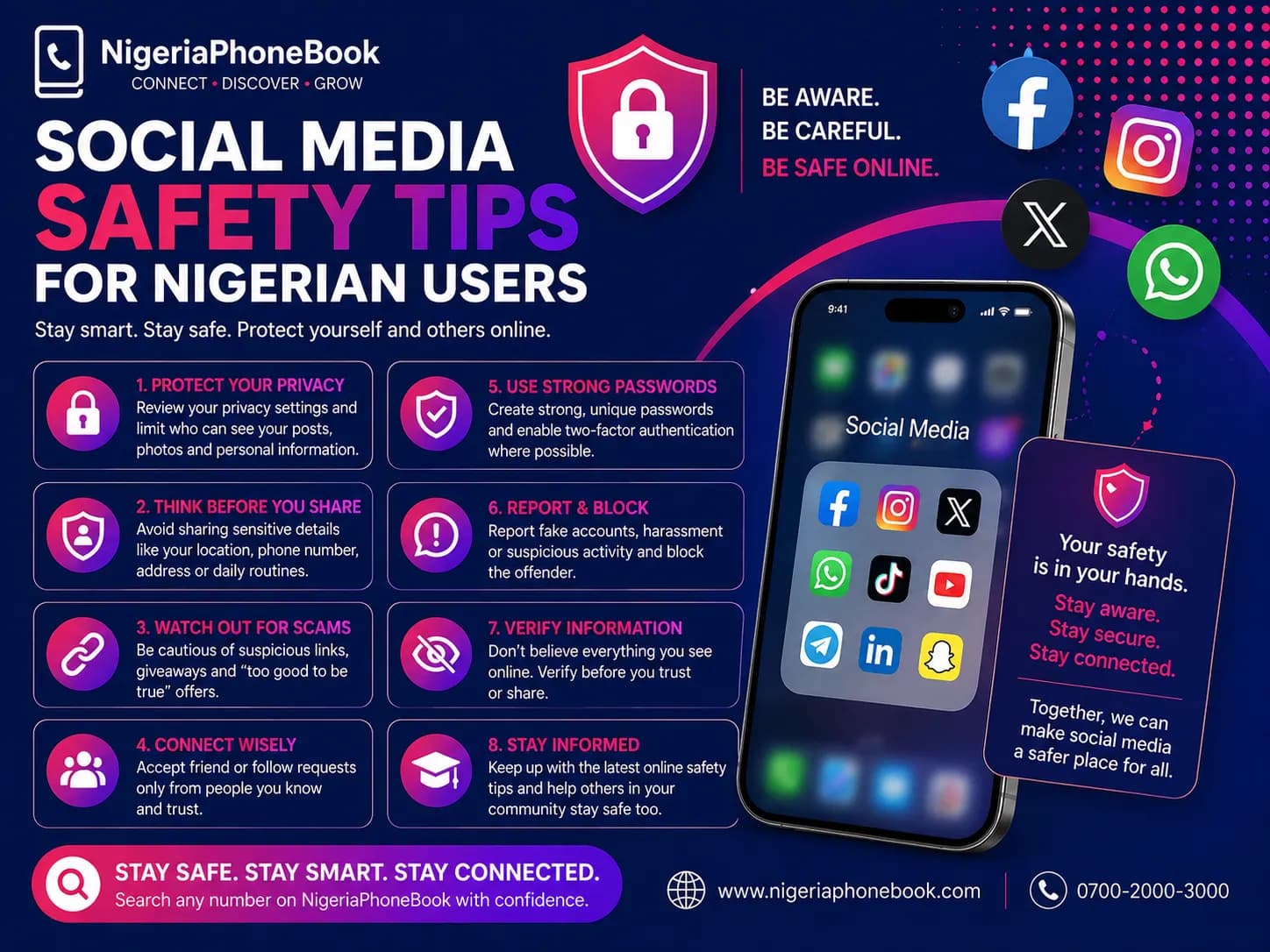
Social Media Safety Tips for Nigerian Users
Social media connects us to friends, family, and opportunities — but it also exposes us to scams, identity theft, and privacy violations. Here's how to stay safe.
1. Lock Down Your Privacy Settings
Every major platform (Facebook, Instagram, Twitter/X, TikTok) has privacy settings that control who sees your posts, profile, and personal info.
Recommended settings:
- Profile visibility: Friends only, not public
- Friend requests: Friends of friends only
- Phone number: Only you (never public)
- Date of birth: Hide the year
- Location: Disable geotagging
2. Use Strong, Unique Passwords
Use a different password for every account. A password manager like Bitwarden (free) or 1Password makes this easy.
Avoid:
- Common passwords (123456, password, your name)
- Birthdays or phone numbers
- The same password across sites
3. Enable Two-Factor Authentication (2FA)
2FA adds a second layer of security. Even if someone gets your password, they can't log in without the second factor.
Better: Use an authenticator app (Google Authenticator, Authy) instead of SMS — SMS can be intercepted via SIM-swap attacks.
4. Beware of Fake Friend Requests
If you receive a request from someone you're already friends with, it's likely a cloned account. Scammers copy real profiles to trick the person's friends.
Before accepting:
- Check mutual friends
- Look at the account's post history (new accounts are suspicious)
- Message your real friend separately to confirm
5. Don't Click Suspicious Links
Messages like "Is this you in this video?" or "Check this out!!" are almost always phishing attempts. Clicking the link leads to fake login pages that steal your credentials.
If you must check a link:
- Hover over it to see the real URL
- Don't enter your password on unfamiliar pages
- Never log in to Facebook or Instagram from random websites
6. Be Careful What You Share
Oversharing can lead to identity theft, stalking, and robbery. Avoid posting:
- Your home address
- Your phone number
- Your full date of birth
- Vacation photos in real-time (wait until you're back)
- Photos of ID cards, passports, or tickets
- Your children's school or routines
- Your exact workplace location
7. Verify Before You Believe
Fake news spreads faster on social media than the truth. Before sharing a shocking post:
- Check the source
- Search the claim on reputable news sites
- Check the date — old stories often resurface
- Reverse-image search photos
8. Review App Permissions
Apps and quizzes often request access to your profile, friends, and data. Review and revoke access regularly:
- Facebook: Settings → Apps and Websites
- Instagram: Settings → Security → Apps and Websites
- Twitter/X: Settings → Security → Apps and Sessions
9. Recognize Romance and Money Scams
Social media is prime territory for romance scams. Red flags:
- They fall in love quickly
- Can't meet in person
- Always have an emergency
- Ask for money
- Profile photo looks too good to be true (reverse search it)
10. Report and Block
Every platform has report and block features. Use them:
- Report fake accounts
- Report scam posts and ads
- Block harassers immediately
- Report impersonation of your account
If Your Account Is Hacked
- Try to log in and change your password
- Revoke all third-party app access
- Log out of all sessions
- Enable 2FA
- Warn your friends — scammers may message them pretending to be you
- Report to the platform for account recovery
The Bottom Line
Social media is a tool. Use it wisely. Assume everything you post can be seen by anyone, and share accordingly. A little caution goes a long way toward keeping your digital life safe.
Written by
NigeriaPhoneBook Team
Contributor at NigeriaPhoneBook. Writing about scam awareness, digital safety, and protecting consumers from fraud.