How to Block Unknown Numbers on Your Phone (iOS & Android)
Spam calls, robocalls, and scam attempts are exhausting. The good news: both iPhone and Android have built-in tools to silence unknown callers. Here's how to use them.
iPhone (iOS)
Silence Unknown Callers
This feature automatically sends calls from unknown numbers straight to voicemail.
- Open Settings
- Tap Phone
- Scroll down and tap Silence Unknown Callers
- Toggle it On
Calls from numbers not in your contacts, recent calls, or Siri Suggestions will be silenced. They'll still appear in your recent calls list.
Block a Specific Number
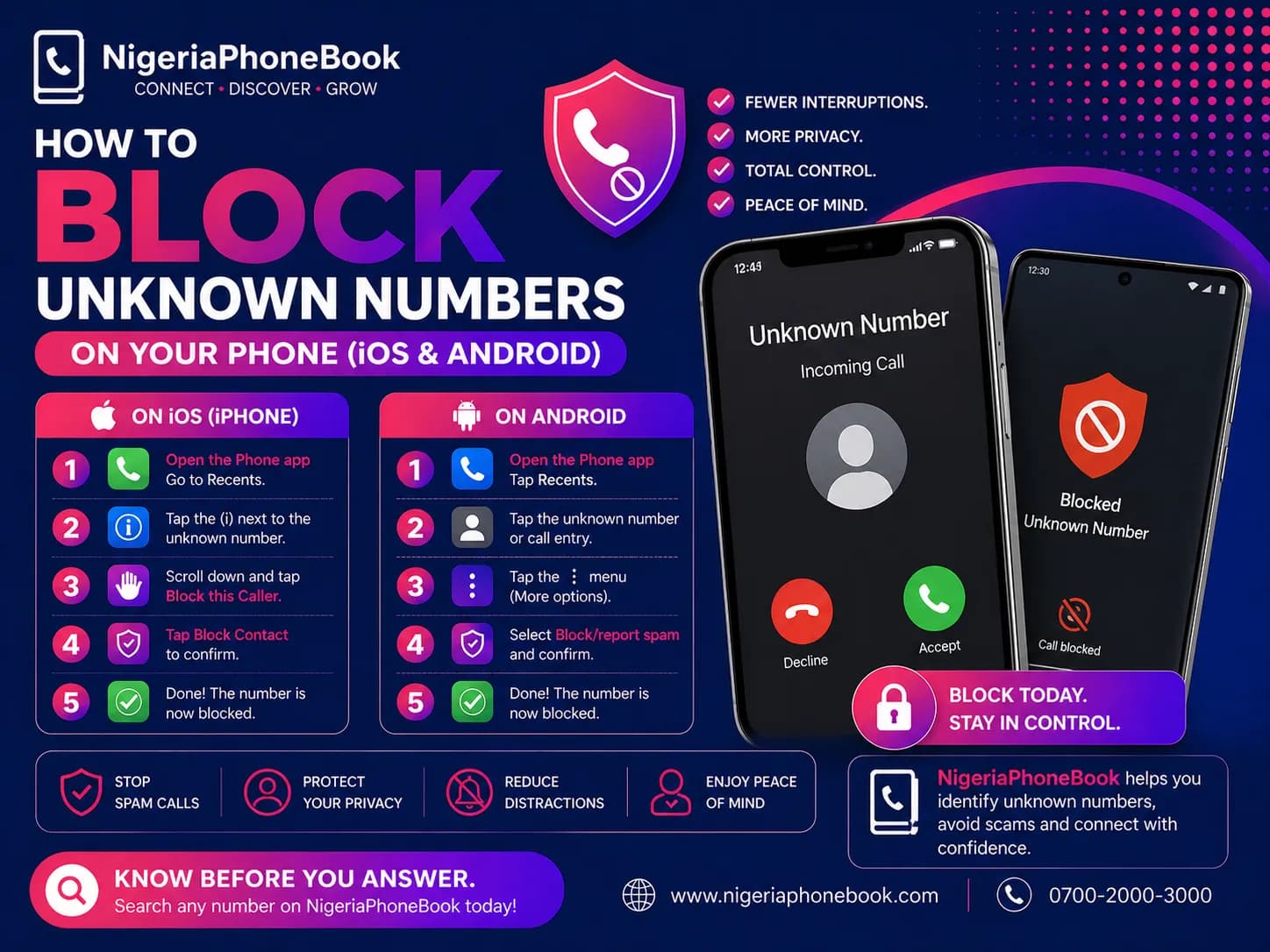
- Open the Phone app
- Tap Recents
- Tap the i icon next to the number
- Scroll down and tap Block this Caller
Manage Blocked Numbers
- Settings → Phone → Blocked Contacts
- You can remove numbers from here anytime
Android
Block Unknown Callers
Steps vary slightly by manufacturer, but generally:
- Open the Phone app
- Tap the three dots menu
- Tap Settings → Blocked numbers
- Toggle Unknown or Block unknown callers
Block a Specific Number (Samsung)
- Open the Phone app
- Tap Recents
- Long-press the number
- Tap Block number
Block a Specific Number (Google Pixel, Stock Android)
- Open the Phone app
- Find the number in Recents
- Tap the number → Block
Google's Call Screen Feature
Newer Pixel phones have Call Screen:
- Open Phone → Settings → Call Screen
- Enable screening for unknown callers
- Google Assistant answers and screens the call for you
Third-Party Apps
For more advanced features:
- Truecaller — identifies and blocks spam calls
- Hiya — caller ID and spam protection
- NigeriaPhoneBook (coming soon) — local scam identification
What About the Do Not Disturb Mode?
Do Not Disturb silences ALL calls and notifications, but you can configure it to allow calls from your contacts while blocking everyone else.
iOS:
- Settings → Focus → Do Not Disturb
- Under Allowed People, select Contacts Only
Android:
- Settings → Sounds and Vibration → Do Not Disturb
- Allow calls from Contacts Only
Best Practices
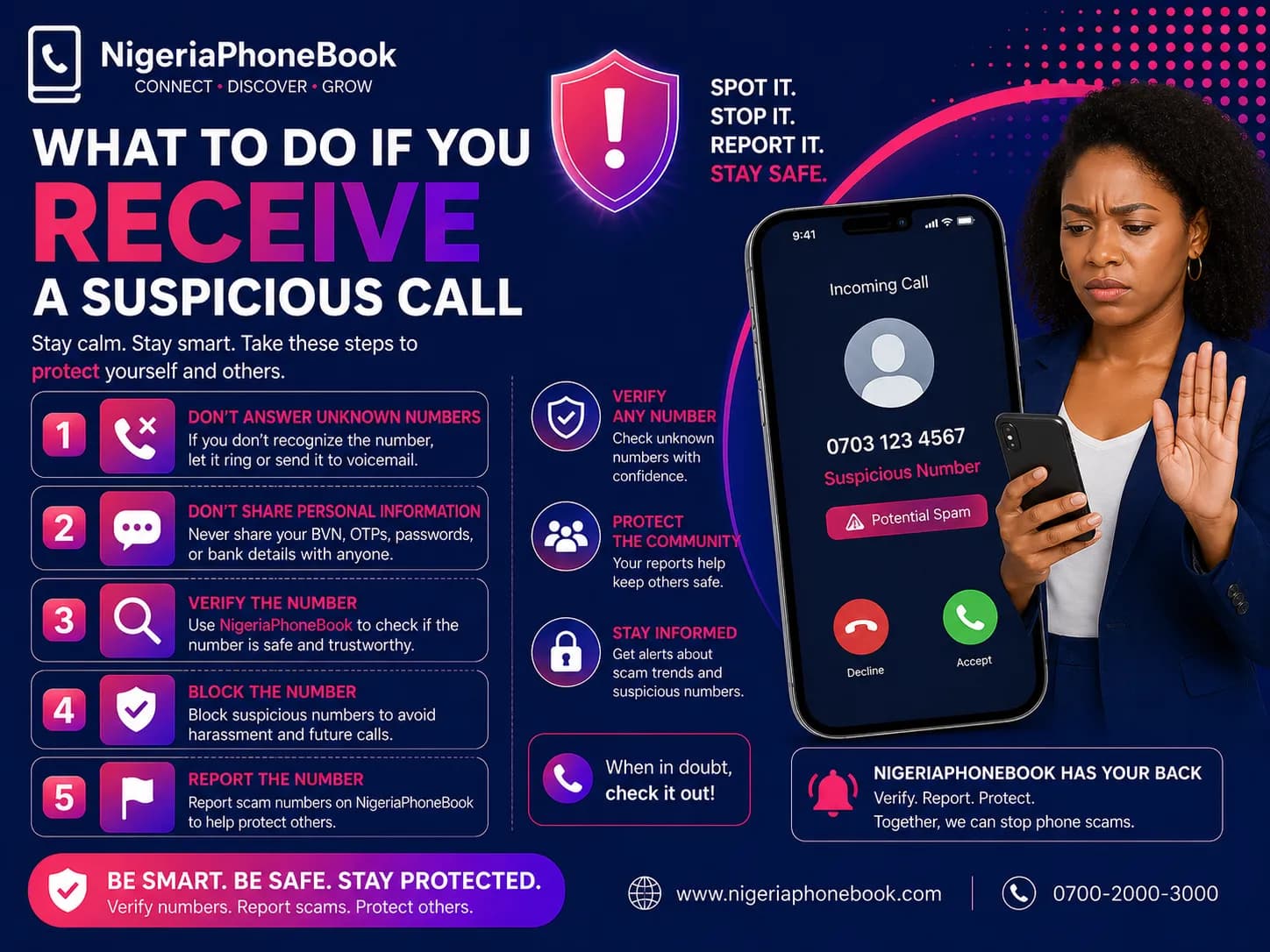
- Don't answer unknown numbers — if it's important, they'll leave a voicemail
- Let voicemail screen callers — legitimate callers leave messages
- Check NigeriaPhoneBook before calling back unknown numbers
- Report scam numbers to help others
- Never call back missed calls from foreign numbers — may be premium rate
The Bottom Line
A few minutes of setup can save you hours of annoyance. Use your phone's built-in blocking features, and supplement with apps or NigeriaPhoneBook for extra protection.
Your phone should serve you — not scammers.
Written by
NigeriaPhoneBook Team
Contributor at NigeriaPhoneBook. Writing about scam awareness, digital safety, and protecting consumers from fraud.