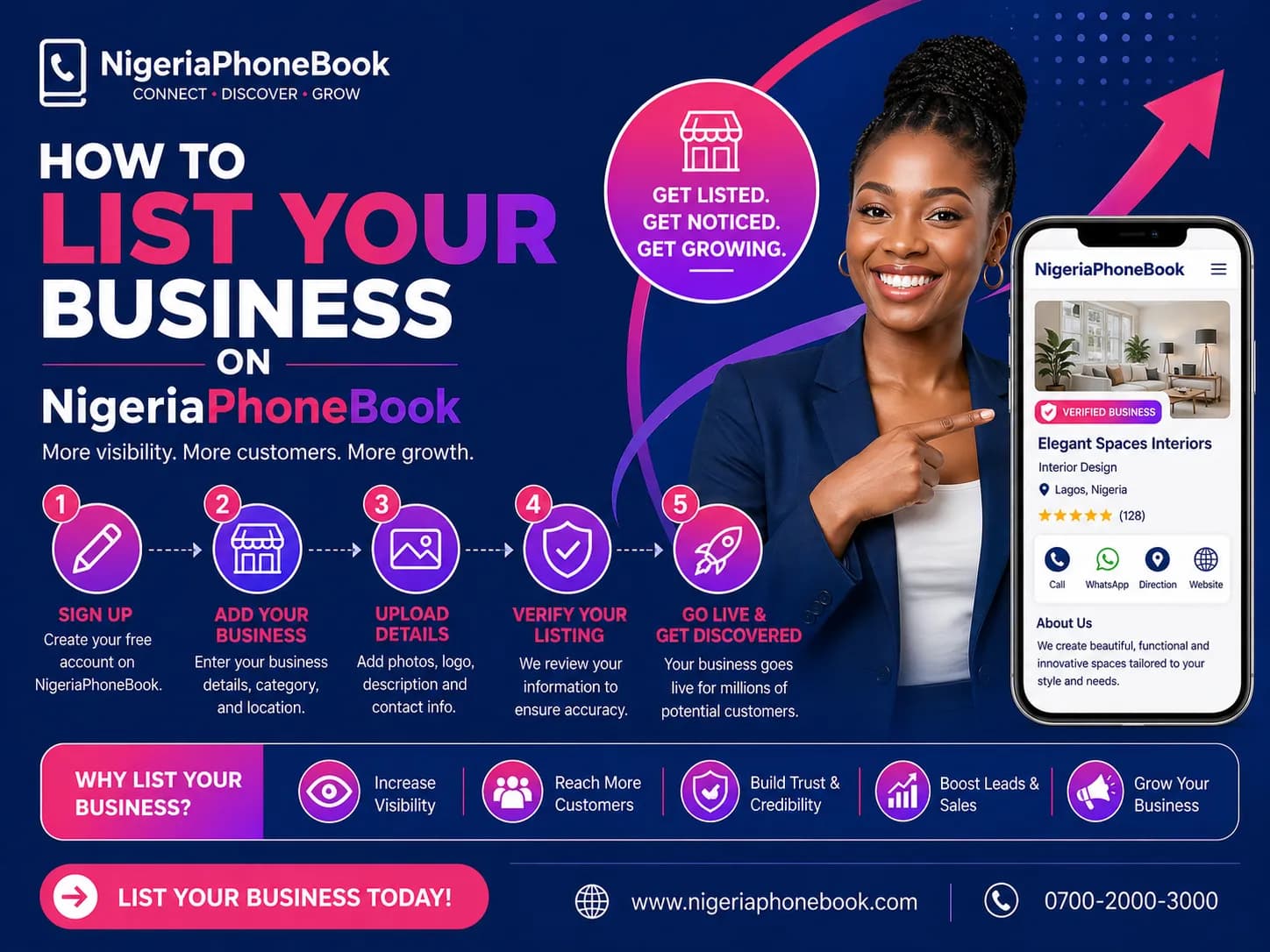
How to List Your Business on NigeriaPhoneBook
NigeriaPhoneBook is more than a scam-check directory — it's also a powerful business discovery platform. Millions of Nigerians search for local businesses, services, and trusted contacts here every month. Here's how to get your business in front of them.
Why List Your Business?
- Free basic listing — no credit card required
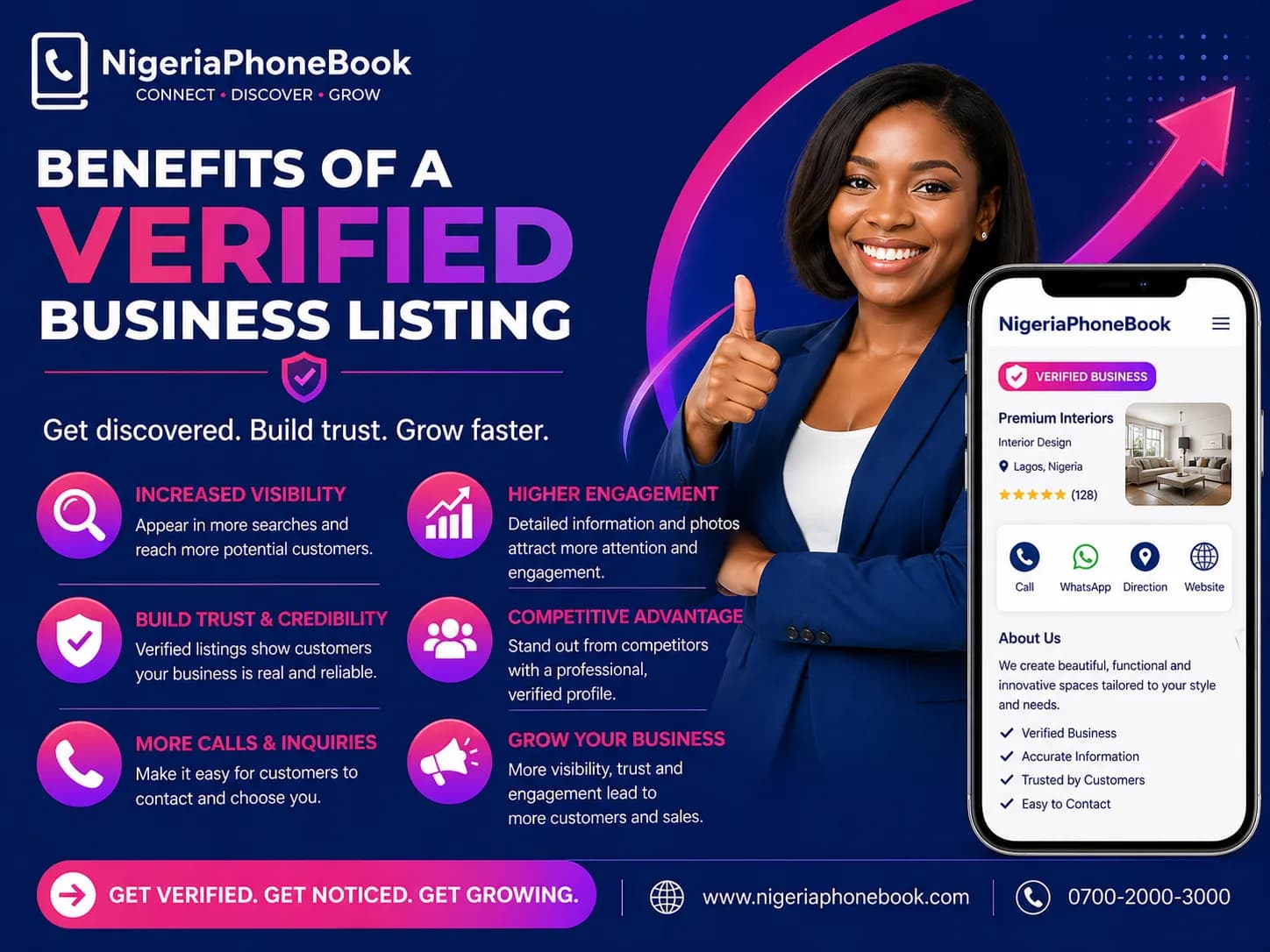
- Verified badge builds customer trust
- Appear in search results when people look for your business
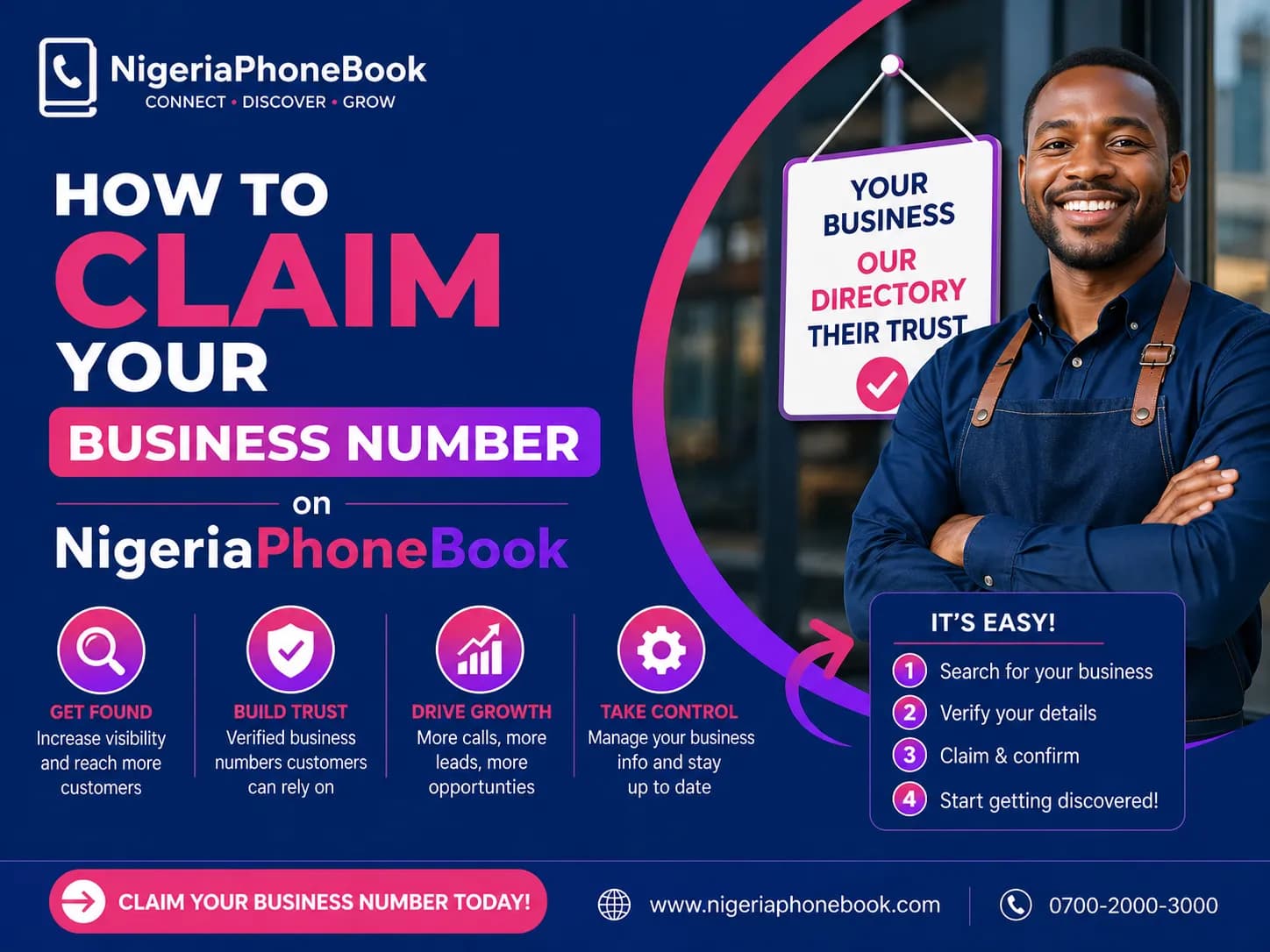
- Protect your reputation — claim your number before someone reports it wrongly
- SEO benefits — backlinks from a trusted domain
- Get discovered by potential customers in your area
Free vs Premium
Free Listing Includes:
- Business name
- 1 phone number
- Category
- Location (state and LGA)
- Short description (100 chars)
Premium Listing (₦5,000/month) adds:
- Up to 10 phone numbers
- Custom logo
- Banner image
- Website link
- Social media links
- Business hours
- Click-to-call and click-to-email buttons
- Google Maps integration
- Featured placement in directory
- Enhanced SEO badge
- Full description (5,000 chars)
Step-by-Step Registration
1. Create an Account
Visit nigeriaphonebook.com/signup and create a free account using your email or phone number.
2. Go to Business Registration
Once logged in, click My Account → My Business → Register.
3. Fill in Business Details
- Business name
- Category (banking, healthcare, retail, etc.)
- Description
- Phone number(s)
- Email and website (optional)
- Address, state, LGA
- Upload documents for verification (CAC certificate recommended)
4. Submit for Review
Free listings are usually verified within 24 hours. You'll receive a notification when your listing goes live.
5. Upgrade to Premium (optional)
Want more features? Upgrade anytime from your dashboard.
Verification Tips
To speed up verification:
- Upload your CAC certificate — businesses with registered documents get verified faster
- Provide a utility bill matching your business address
- Use an official business email (not free Gmail)
- Match your business name exactly with your CAC registration
Best Practices for a Great Listing
- Use a clear, searchable business name — not "Mike's Place" but "Mike's Pharmacy Ikeja"
- Write a compelling description highlighting what makes you unique
- Add keywords your customers would search for
- Upload a high-quality logo (square, 500x500 minimum)
- Keep information updated — phone numbers, hours, and address
- Respond to customer comments and reports promptly
- Request reviews from satisfied customers
What Happens After Listing
Once verified:
- Your business appears in search results
- Anyone searching your number sees the verified badge
- You can track views and engagement in your dashboard
- Customers can click-to-call, email, or visit your website
- You're protected from false scam reports (verified businesses get priority review)
Common Questions
Q: How long does verification take?
A: Free listings: 24 hours. Premium: Priority within 4-6 hours.
Q: Can I list multiple businesses?
A: Yes, each listing requires separate registration.
Q: What if someone reports my verified business as spam?
A: Verified listings go through a review process — false reports are dismissed automatically.
Q: Can I change my plan later?
A: Yes, upgrade or downgrade anytime from your dashboard.
Ready to Get Started?
Register your business today and join thousands of Nigerian businesses already listed on NigeriaPhoneBook. Visibility + trust = growth.
Written by
NigeriaPhoneBook Team
Contributor at NigeriaPhoneBook. Writing about scam awareness, digital safety, and protecting consumers from fraud.